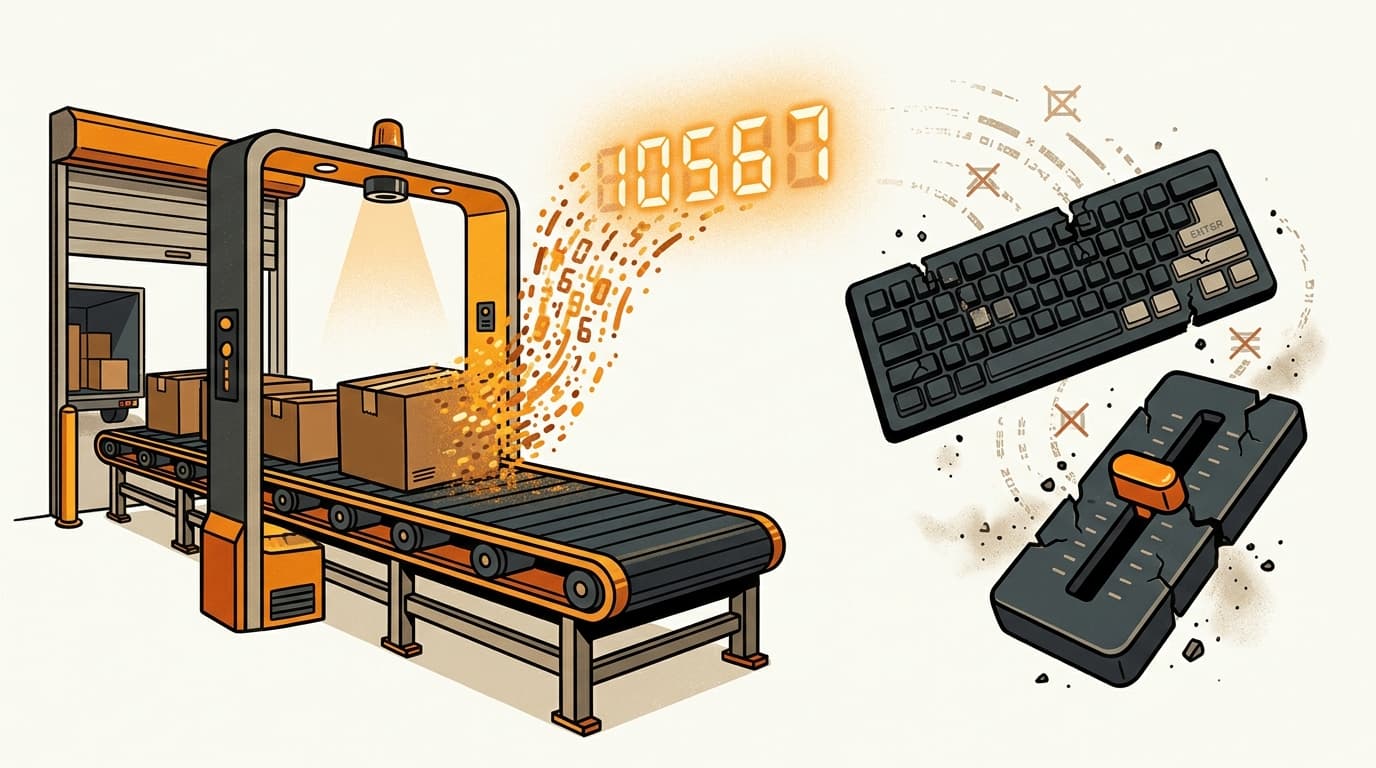
Why You Can't Push Stock Counts to Coupang Rocket Growth
On Coupang Rocket Growth, you cannot push a stock count. Your sellable quantity is derived from what Coupang physically receives and accepts at its fulfillment center — inbound receipt is your inventory number, not something you type into a field or write through an API call. This is the opposite of how seller-fulfilled listings work, and it quietly breaks any inventory sync you carried over from Amazon or Shopify.
The distinction matters because most Western teams assume one of two things: either there is a quantity field they can edit, or any marketplace API can adjust stock. On Rocket Growth (로켓그로스), neither is true. If your integration is built on that assumption, it will fail silently — the write never lands, no error surfaces to the merchant, and the first symptom is a stockout nobody can explain.
The core rule: receipt is your inventory count
For a Rocket Growth item, the sellable quantity reflects the goods physically inbounded and accepted at Coupang's fulfillment center. Coupang's own developer documentation is explicit on this: for Rocket Growth products, the inbound quantity is reflected as the product quantity, and the standard item-quantity-change function does not apply.
In plain terms — there is no "set quantity to 500" operation for a Rocket Growth listing. Coupang counts what arrives on its dock, and that count becomes your available-to-sell number. You influence it by shipping and inbounding units, not by editing a value.
Rocket Growth inventory quantity is derived from physical receipt at Coupang's fulfillment center, not set programmatically. The inbound quantity Coupang accepts becomes the product quantity; there is no item-quantity-change call for Rocket Growth items.
This is also why ownership and stock movement work the way they do: the units on Coupang's shelf are still yours until they sell, but the count that drives the listing is Coupang's receipt record, not a number you maintain. If you want the boundary between what you own and what Coupang counts, we covered it separately in what to ship to Coupang Rocket Growth — and who owns it.
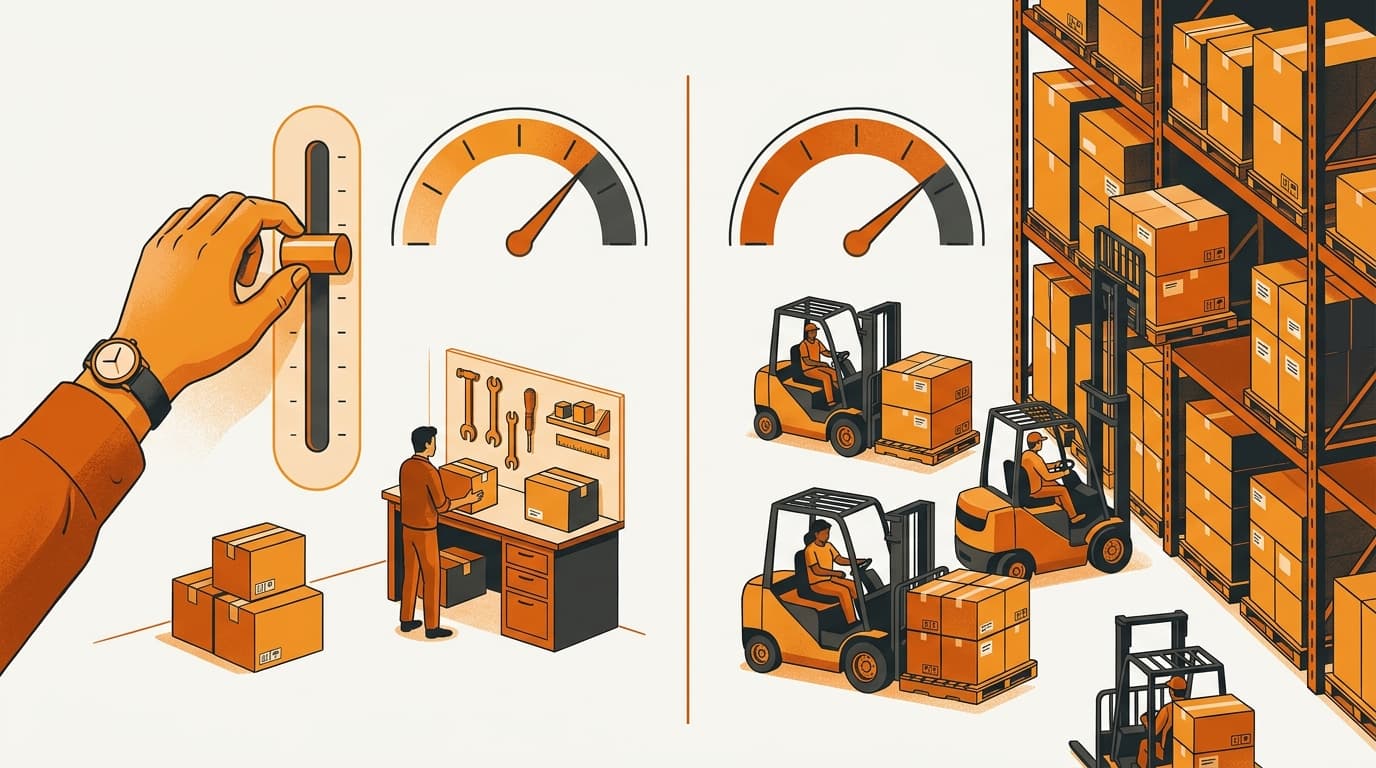
Why this differs from seller-fulfilled listings
On a seller-fulfilled (marketplace) listing, you hold the stock and you are responsible for telling Coupang how many units are sellable. There you can adjust item quantity yourself — the number is a value you own and maintain, and you update it as your own warehouse depletes.
Rocket Growth flips that. Because Coupang holds and ships the goods, Coupang also owns the count. The consequence for tooling is concrete: Rocket Growth products are not queryable and adjustable through the same Open API paths that expose and modify seller-fulfilled listings. The endpoint that lets a marketplace seller change item quantity simply is not the mechanism for a Rocket Growth SKU.
This trips up integrations in a specific way. Many stock-sync builds treat "update quantity on Coupang" as one operation across all listings. It is not. Price and stock already run through separate concerns on Coupang's API even for marketplace items — we walked through that split in why Coupang needs separate API calls for price and stock — and Rocket Growth removes the stock write entirely. If your sync logic is written once and pointed at everything, the Rocket Growth SKUs will accept the request path and then not do what you expect.
- Seller-fulfilled: you set and adjust the sellable quantity; the number is yours to maintain.
- Rocket Growth: the sellable quantity is derived from Coupang's inbound receipt; there is no set-quantity call.
- Shared trap: one sync routine written for all listings will silently mishandle the Rocket Growth ones.
What you can still control programmatically
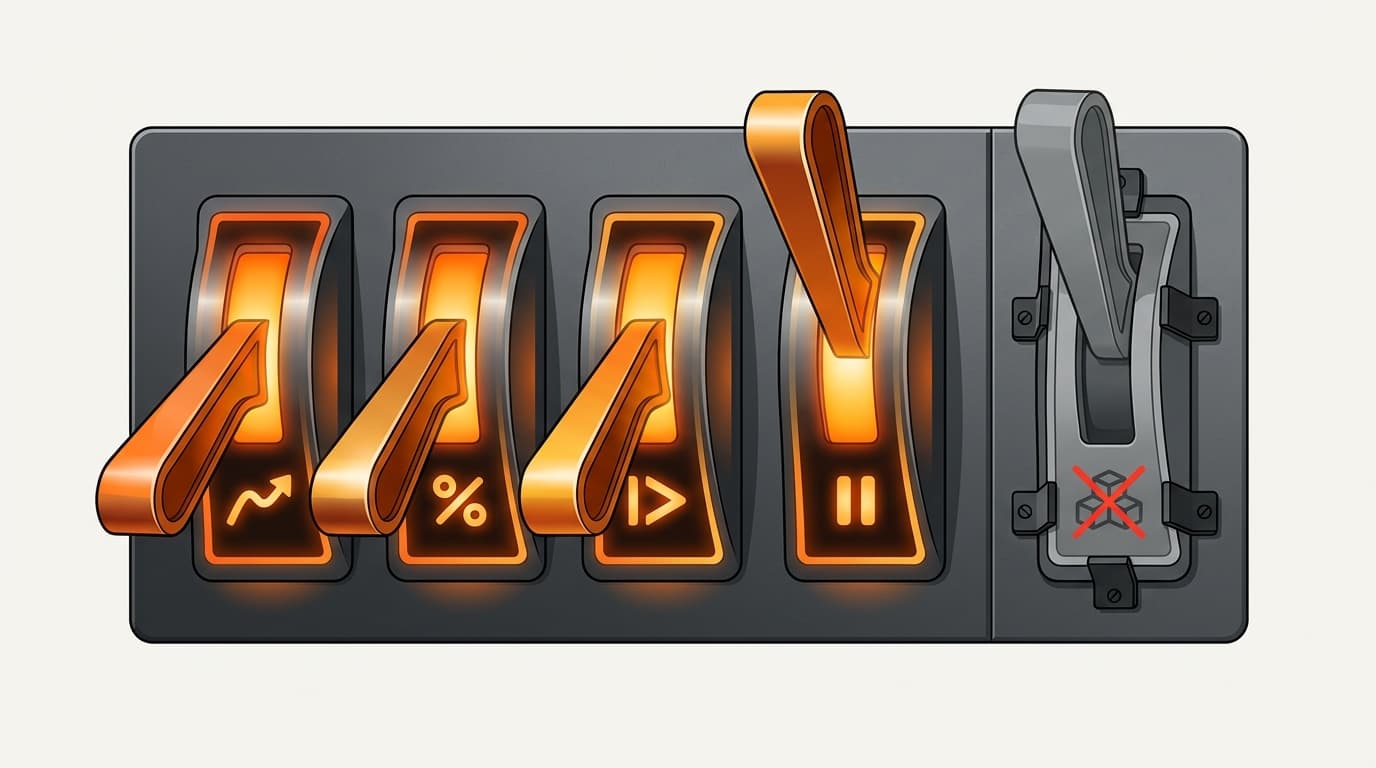
Losing the quantity write does not mean Rocket Growth is a black box. According to Coupang's developer documentation, the levers you keep for Rocket Growth items are commercial and operational — not quantity. In practice you can still:
- Change the selling price.
- Change the discount base price.
- Pause and resume selling on a listing.
- Read orders and read customer inquiries.
Notice the shape of that list. Everything you retain is either a pricing decision, an availability toggle, or a read. The one thing missing is the ability to write a stock number — because the stock number is not yours to write. This is worth internalizing before launch: your automation roadmap for Rocket Growth should be built around price, promotion, availability, and order/inquiry reads, and it should assume replenishment happens through logistics, not through an API field.
Stockout prevention becomes a logistics problem
Here is the reframe that actually changes how you staff and plan. Because you cannot top up a quantity field, stockout prevention on Rocket Growth is a logistics-cadence problem, not an inventory-field-update problem. You do not prevent a stockout by editing a number faster — you prevent it by inbounding the right amount early enough.
That means your planning inputs shift. Instead of watching a stock slider and adjusting it, you forecast against sell-through velocity and shipping lead time, then work backward to a reorder trigger that accounts for the full path: production or pick, freight to Korea, customs and inbound to the fulfillment center, and Coupang's receipt confirmation. The receipt step is the one teams forget — units in transit or waiting at the dock are not yet sellable, because they are not yet counted.
Units that have shipped but not been received and accepted at Coupang's fulfillment center do not count toward your sellable quantity. If your reorder trigger ignores inbound-to-receipt lead time, you can be "in stock" on paper and out of stock on the listing.
The real lead time here is upstream of the warehouse — it is the sum of your shipping cadence and how long receipt takes, which is why we treat Rocket Growth inbound minimums and real lead times as the number that governs replenishment, not the dock throughput itself. A daily operating rhythm helps too: a short recurring review that watches sell-through and inbound status catches a looming stockout while there is still time to ship, which is part of why a midday check-in on your Korea accounts earns its place in the SOP.
“On Rocket Growth you don't prevent a stockout by editing a number — you prevent it by getting boxes to Coupang's dock early enough to be counted.”
Kontactic Operations — Commerce Operations, Kontactic

Common questions
Can I set a Rocket Growth item's quantity through the Coupang Open API? No. Coupang's developer documentation states that for Rocket Growth items the inbound quantity is reflected as the product quantity and the item-quantity-change function does not apply. The quantity is derived from physical receipt at the fulfillment center.
Why does my inventory sync silently fail on Rocket Growth SKUs? Because Rocket Growth products are not adjustable through the same Open API endpoints as seller-fulfilled listings. A sync routine built for marketplace items points at a path that will not move a Rocket Growth quantity, and no meaningful error surfaces to the merchant.
What can I still automate for Rocket Growth listings? Per Coupang's docs, you can change price, change the discount base price, pause and resume selling, and read orders and customer inquiries. The controls are commercial and operational — not quantity.
How do I prevent stockouts if I can't push stock? Forecast against sell-through velocity and shipping lead time, then set reorder triggers that include the inbound-to-receipt window. Units only become sellable once Coupang receives and accepts them, so your cadence — how often and how much you inbound — is what protects availability.
Where can I verify this? Coupang's official developer documentation is the authoritative source for how Rocket Growth items behave on the Open API, including which write operations do and do not apply to fulfilled listings.
Planning your Rocket Growth replenishment cadence?
If you're mapping inbound scheduling, reorder triggers, and Coupang integration before launch, talk to Kontactic about how Rocket Growth inventory actually flows.
About the author
Korean and global e-commerce operators with 15+ years of cross-border experience, led by CEO Isaac Lee — KOTRA-certified consultant and official lecturer for Seoul City and the Korea Customs Service. We run Korea market entry for overseas brands every day; this blog records what we learn in the field.
Meet the Kontactic team →Related Articles

Coupang Global Fulfillment Reviews: Do They Carry Over?
Coupang Global Fulfillment reviews stay with the cross-border listing. Learn what resets when the same product moves to a Korean entity, seller, and listing.

Korean Biocide Approval: Is a Dirt-Only Cleaner Covered?
A dirt-only surface cleaner usually avoids Korean biocide approval, but it may still need Korea’s safety check and report before commercial import for sale.

Do Children’s Products Need KC in Korea If Adults Don’t?
An adult version may not need a KC mark in Korea, while the children’s version may need supplier conformity confirmation and a KC mark before it goes on sale.