Coupang-Ready Export: Kontactic's Listing Builder
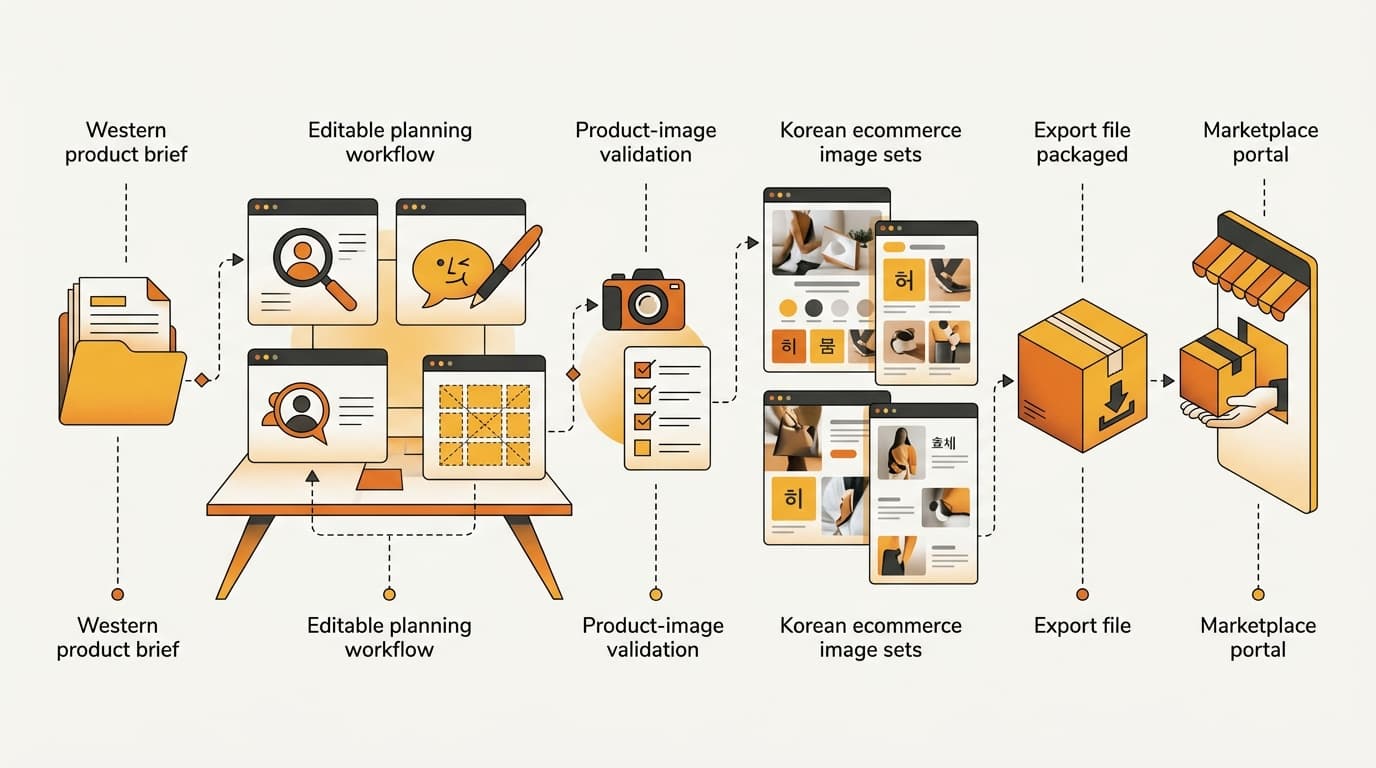
Kontactic's self-serve listing builder turns a localization plan into a structured Coupang image set and an export package with its product-information disclosure file. Before finalizing production, a brand can revise copy, composition, and strategy. It can then fill asset slots, run generation tasks, and validate that generated outputs use real product imagery.
The operational last mile: The builder connects the decisions made during localization to the channel-specific image set and listing-information package needed for a Coupang handoff.
Why the last mile needs its own workflow
Localization is not the same thing as a finished marketplace package. A brand may have translated copy and a creative direction. The Coupang handoff still has to define the image-set structure, each asset's role, and the product information included in the export.
When those tasks are split across disconnected files or tools, the review becomes harder. A copy change can get separated from the image it describes. A composition decision can be made without checking the slot it is meant to fill. The final image folder can also become detached from the product-information disclosure file that belongs with it.
The listing builder is designed for that handoff. It gives a team one editable, reviewable path from plan to production output rather than treating localization, image creation, and export as unrelated jobs. That matters for a Western brand going local in Korea because the last mile is where platform-specific requirements meet the facts of a particular product.
The goal is not to add another place to store creative. It is to keep the plan, the image slots, the product imagery, and the export package connected while the work is still being reviewed.
Edit the plan before production is final
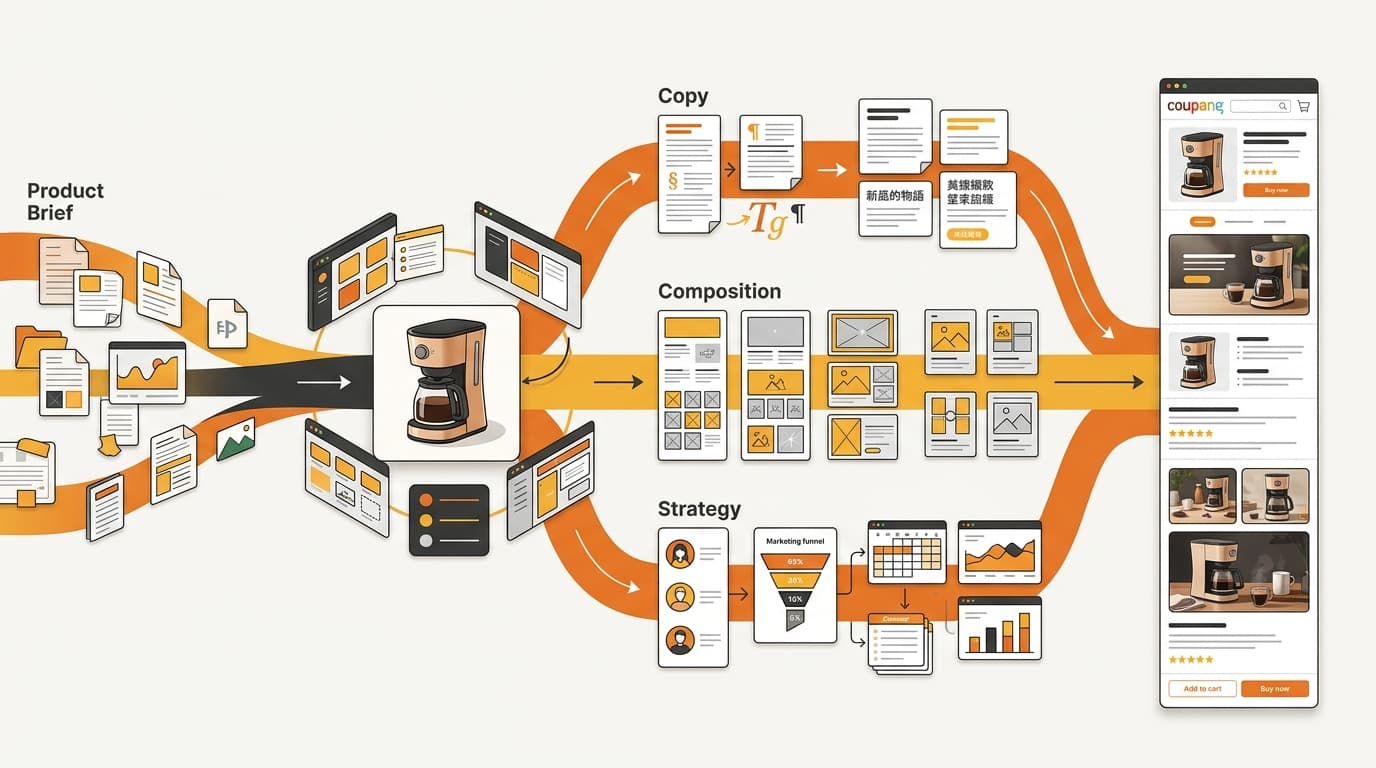
A key capability is that the plan remains editable across copy, composition, and strategy before the production output is finalized. Those are different decisions, and separating them gives a brand a more useful review point than waiting for finished images.
Copy is the wording and product information the asset needs to communicate. Composition is how that information and the product are arranged in the image. Strategy is the role the asset plays in the overall set. A team can review each of those dimensions without treating the first draft as a locked output.
That distinction is practical. If the message is right but the arrangement is wrong, the composition can be refined without discarding the underlying product facts. If the image is technically clear but does not serve the plan, the strategic role can be reconsidered before production is complete. The brand is reviewing the intended output, not only reacting to a finished file.
This is also where the workflow differs from a simple translation handoff. Translation provides Korean copy. The builder connects that copy to the visual and strategic decisions for each Coupang asset. For a closer look at why that requires more than a fixed canvas, see why Korean Coupang creative needs a layout engine.
Build the image set around Coupang's asset slots
The builder supports a Coupang image set with one primary image and up to nine additional images. The two asset groups do not use the same production treatment.
| Asset group | Supported structure | Production treatment |
|---|---|---|
| Primary image | One primary image | Its own assembly step |
| Additional images | Up to nine additional images | Dedicated 1:1 tile composition |
That structure is more useful than treating the set as a loose collection of product pictures. The primary image has its own assembly step, while additional images are built as dedicated square tiles. Each slot therefore has a defined place in the production workflow before the full set is exported.
For the brand team, the review questions become more concrete. Is the primary slot receiving its dedicated assembly step? Are the additional assets being composed as 1:1 tiles? Is the plan being expressed consistently across the set rather than recreated independently for each file?
The builder does not turn those questions into a generic image grid. It gives the set a structure that can be filled and reviewed. The exported set has defined slots and production treatments, so the team can review it before handoff.

Keep product facts separate from creative treatment
Product facts and creative treatment need to work together, but they should not be treated as the same layer. The facts describe the product the brand is putting into the Korean market. The creative treatment determines how those facts are arranged, emphasized, and presented in the image set.
The builder's image pipeline separates those concerns. That separation gives the team a way to refine the presentation without quietly changing what the product is. It also makes the review more disciplined: product facts can be checked for fidelity, while composition and strategy can be checked for fit with the plan.
Real product imagery is part of that control. The pipeline validates the use of real product imagery rather than treating any visually plausible substitute as interchangeable with the product being sold. This matters especially when generation tasks are part of the production workflow. Generation can help produce the planned asset; validation keeps the output tied to the actual product.
For a deeper look at the operating principle behind that separation, read How Kontactic Keeps Coupang Creative True to Each SKU. The builder preserves the connection between the product facts and the creative output.
Move from filled slots to one export package
The production workflow brings the operational steps into one place:
- Refine the plan. Edit copy, composition, and strategy while the output is still being shaped.
- Fill the asset slots. Build the primary image and the additional 1:1 image tiles according to the Coupang set structure.
- Run generation tasks. Produce the planned assets within the same workflow rather than separating generation from slot assignment.
- Validate the imagery. Confirm that the image pipeline is using real product imagery and that the creative treatment remains connected to the product facts.
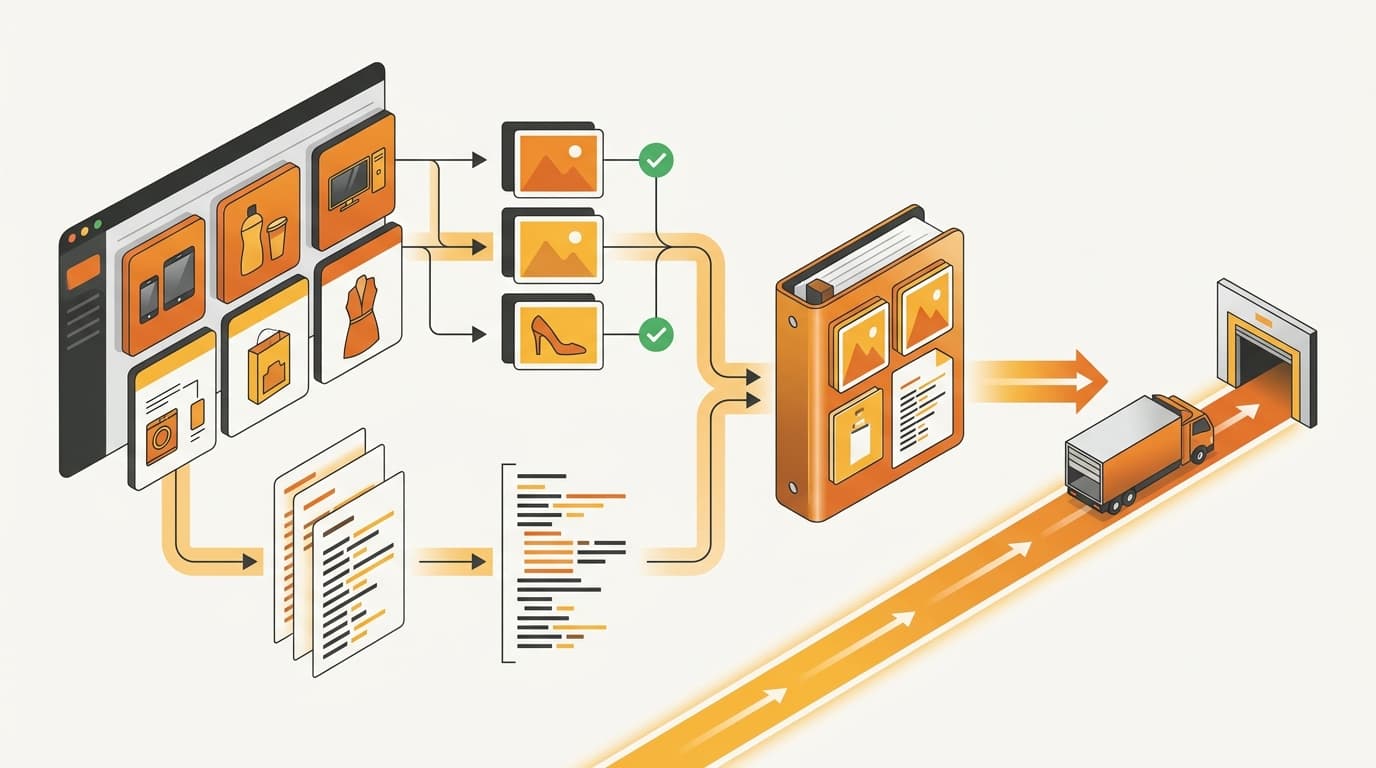
- Export the package. Export the structured image set together with its product-information disclosure file.
The plan, assets, and listing data remain connected through generation and export. The team does not have to rebuild those links at handoff.
An export is useful only when it preserves the product facts, creative plan, image slots, and disclosure file together. It is a repeatable production package: the image set has a defined structure, the creative treatment has been reviewed against product facts, and the product-information disclosure file is handled as part of the same output.
This final gate is an operational step, not an administrative afterthought. The approval check in how Kontactic gates Coupang image sets before export explains how to review the complete package before it leaves the workflow.
A practical review checklist before export
Once the workflow steps are complete, the remaining checks are about approval and package integrity:
- Plan approval: Have copy, composition, and strategy each been reviewed for the intended asset roles?
- Primary image: Is the primary slot receiving its dedicated assembly step?
- Additional images: Are the additional images built as dedicated 1:1 tiles, with no more than nine additional images?
- Product fidelity: Has validation confirmed that generated outputs use real product imagery and remain tied to the product facts?
- Export completeness: Does the final package include the structured image set and the product-information disclosure file?
This checklist is intentionally operational. It does not ask whether a team has produced more creative. It asks whether the creative is organized, reviewable, faithful to the product, and ready to travel with the information required for the Coupang handoff.
Common questions about the listing builder
Does the builder replace localization?
No. It takes the localization plan as input and turns it into a structured Coupang image set and export package.
Turn your localized plan into a Coupang-ready workflow
If your team is still handing Korean creative, image slots, and listing information between disconnected tools, contact Kontactic to discuss a reviewable production workflow.
About the author
Korean and global e-commerce operators with 15+ years of cross-border experience, led by CEO Isaac Lee — KOTRA-certified consultant and official lecturer for Seoul City and the Korea Customs Service. We run Korea market entry for overseas brands every day; this blog records what we learn in the field.
Meet the Kontactic team →Related Articles

Korean Import Totals: Compare Supplier Payments
Kontactic compares each seller’s running Korean import total with its running supplier-payment total to help local teams find missing entries or timing gaps.

Korean Business Registration: How Kontactic Checks
Kontactic checks your Korean business registration certificate against the prepared address and representative, then keeps the setup open if either value differs.
Does My Korean Importer Need a License for This Product?
A Korean importer may need a license or permit even when product documents are complete. Seller Center separates the two checks and lists what to prepare next.