Can Coupang Buyers Pay Two Charges With Free Shipping?
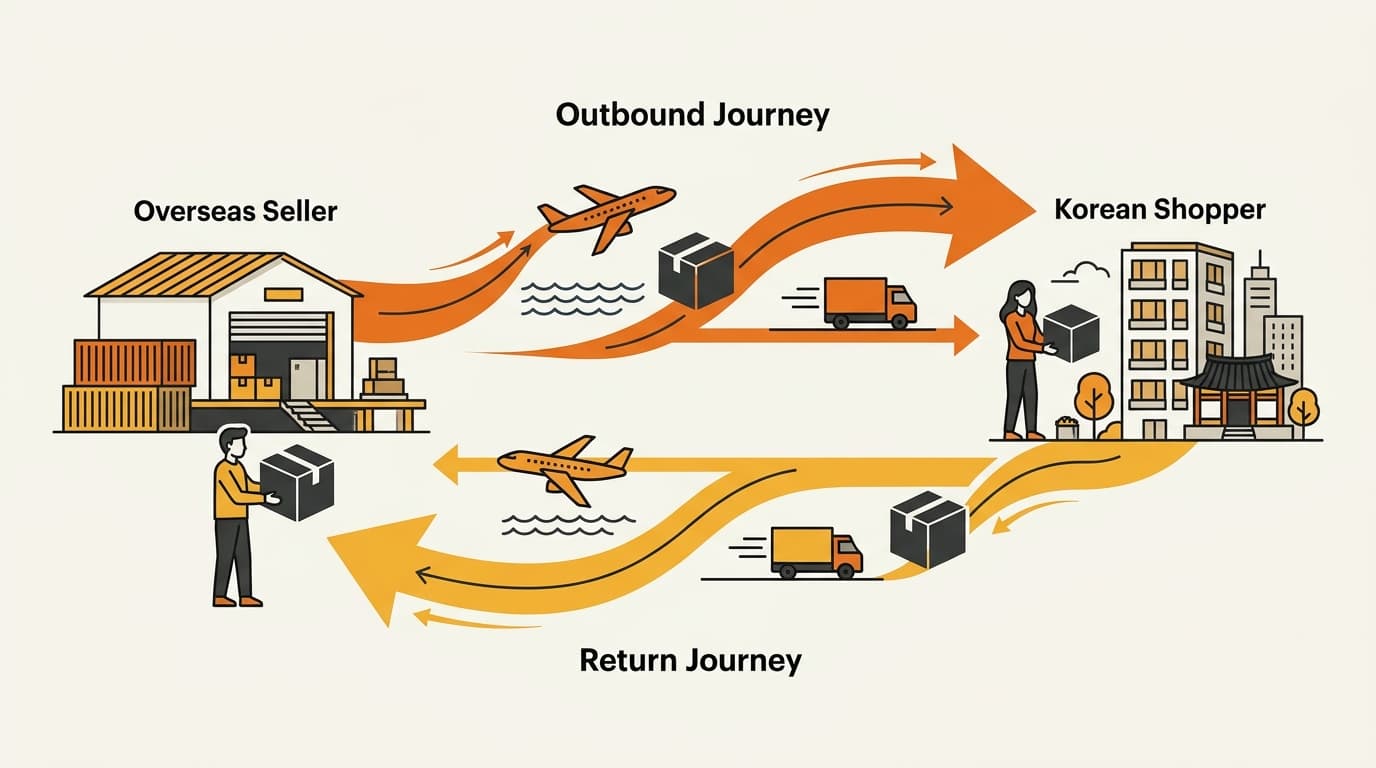
Yes. A Coupang order with free delivery can still make the buyer pay for two shipping legs when the return rule makes them responsible. Coupang stores the original delivery amount in deliveryChargeOnReturn and the return-trip amount in returnCharge.
Short answer: Free shipping removes the normal delivery charge from the order. It does not always remove the original delivery amount from a buyer-paid return.
Why a free-shipping return can have two one-way amounts
Free delivery describes what the buyer pays at checkout. It does not erase the amount the seller paid to send the parcel. Coupang can use that original amount later when the buyer is responsible for the return.
The second amount covers the trip back. Coupang calls this the return charge. It is separate from the delivery that took the parcel to the buyer.
Here is a simple example. A kitchen-storage brand lists an organizer on Coupang with free delivery. The brand enters the original delivery amount in deliveryChargeOnReturn. It enters the cost of bringing the returned parcel back in returnCharge.
The buyer later starts a return. If this order’s return rule makes the buyer responsible, Coupang can add both amounts:
deliveryChargeOnReturn + returnCharge
The first amount covers the delivery the seller paid at the start. The second covers the return trip. The result is not returnCharge entered twice. Each field covers a different one-way movement of the parcel.
Free shipping describes the order’s delivery price. It does not always mean a zero shipping amount when Coupang calculates a buyer-paid return. A support agent who quotes only returnCharge can leave out the original delivery amount stored for the free-shipping order.
Even if the two amounts happen to be the same in one listing, keep them in separate fields. Their names tell Coupang which leg each amount covers.
What the four Coupang shipping fields mean
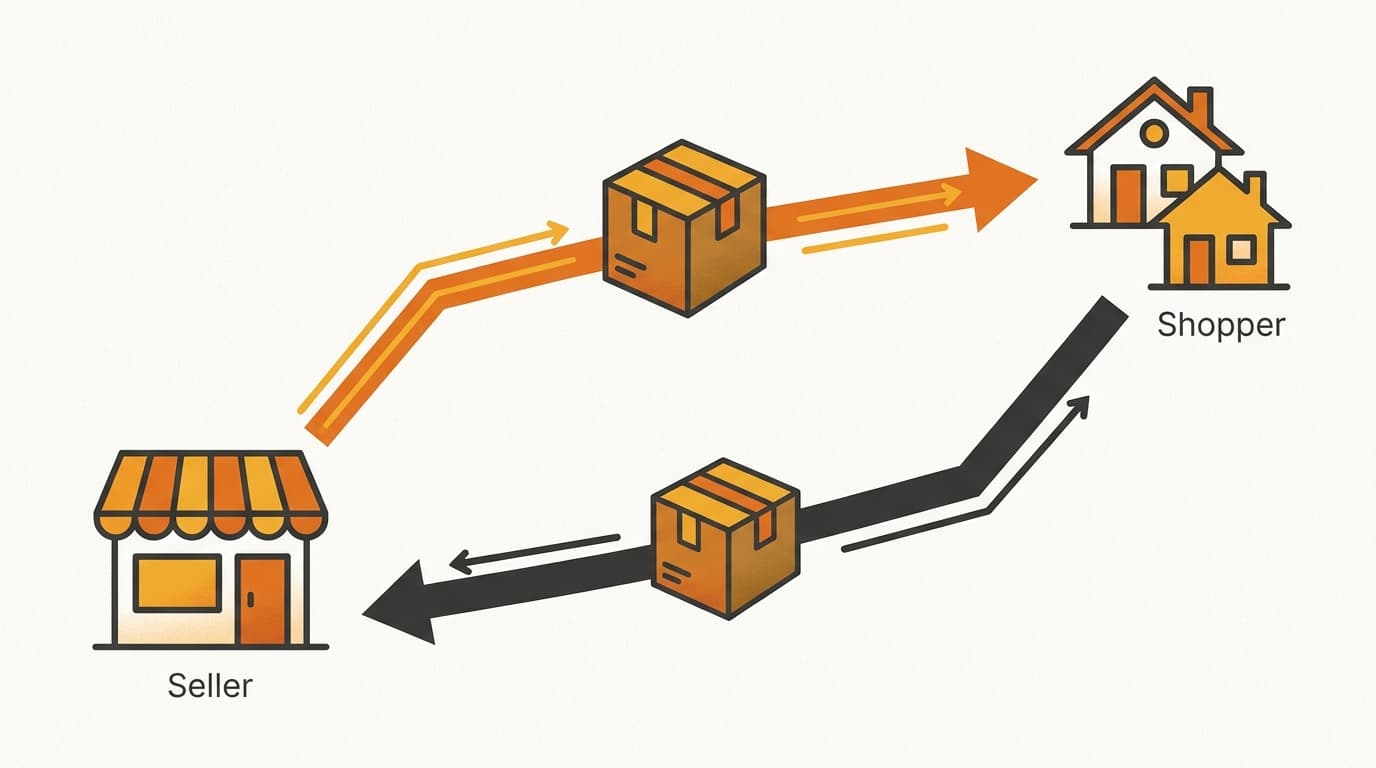
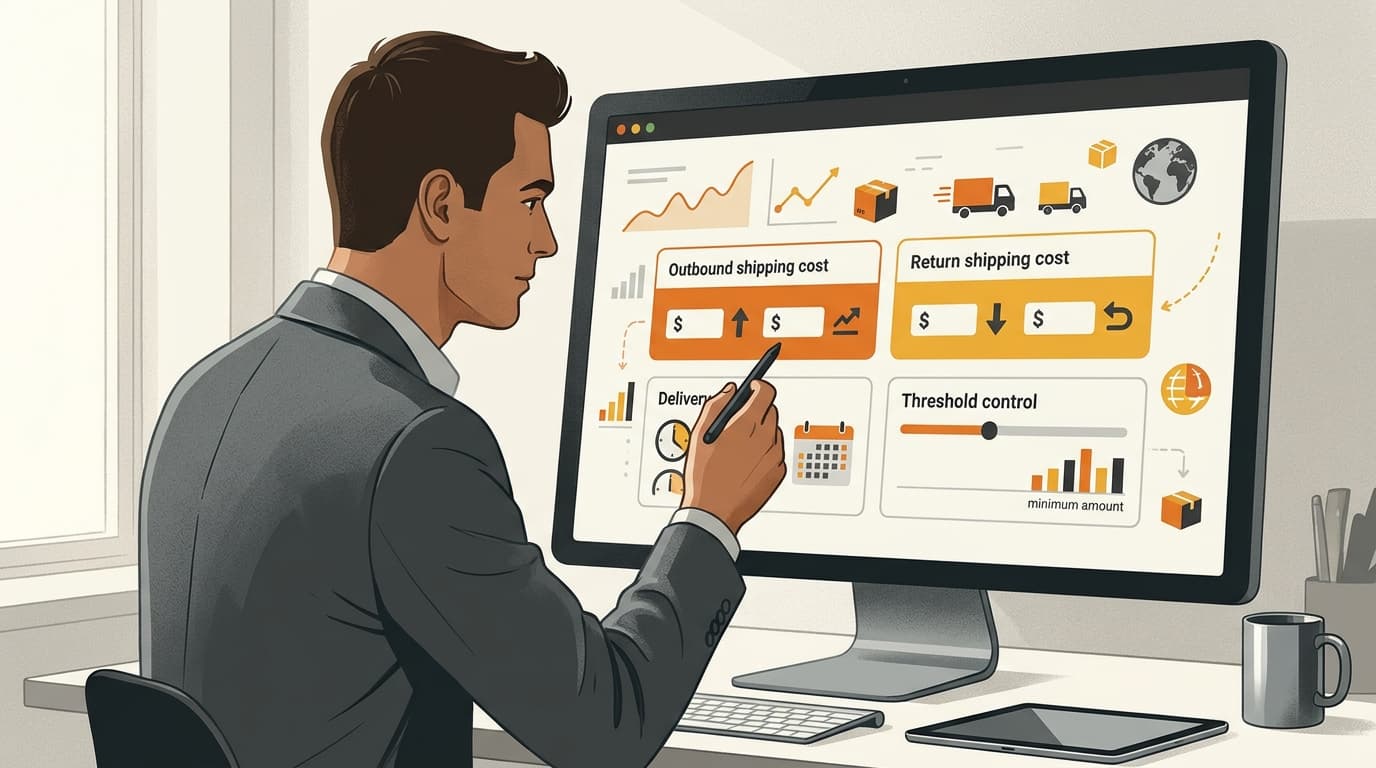
Each field has a different job. Change them as a group when you change the listing’s shipping type.
deliveryChargeOnReturn stores the original delivery amount for a free-shipping order. Coupang can charge it to the buyer when the order’s return rule makes the buyer pay. returnCharge is the one-way cost of receiving the returned parcel. These are two different amounts for two different legs.
| Coupang field | Plain-English meaning | Value for all-free delivery |
|---|---|---|
deliveryCharge | The normal delivery fee used for a paid-delivery listing | 0 |
freeShipOverAmount | The order-value point above which delivery becomes free | 0 |
deliveryChargeOnReturn | The original delivery amount that may be charged back on a free-shipping return | Enter the original one-way delivery amount |
returnCharge | The one-way cost of bringing the parcel back | Enter the one-way return amount |
Coupang treats deliveryCharge, deliveryChargeOnReturn, and returnCharge as one-way amounts. freeShipOverAmount is not a shipping charge. It is the order-value threshold that changes whether the normal delivery fee applies.
That is why the all-free pattern uses two zeros. deliveryCharge must be 0 because every order ships free. freeShipOverAmount must be 0 because every order ships free; there is no order-value threshold.
The original delivery amount belongs in deliveryChargeOnReturn, not in deliveryCharge. The return trip belongs in returnCharge. Do not copy one amount into both fields because both fields appear near the return settings.
For a free-shipping listing, the key calculation is simple:
- Original delivery amount:
deliveryChargeOnReturn - Return-trip amount:
returnCharge - Buyer-paid return amount:
deliveryChargeOnReturn + returnCharge
This calculation shows the amounts Coupang can use. It does not decide whether the buyer must pay them in every return. That question depends on the return rule for the order.
Use different settings for paid and conditional-free delivery
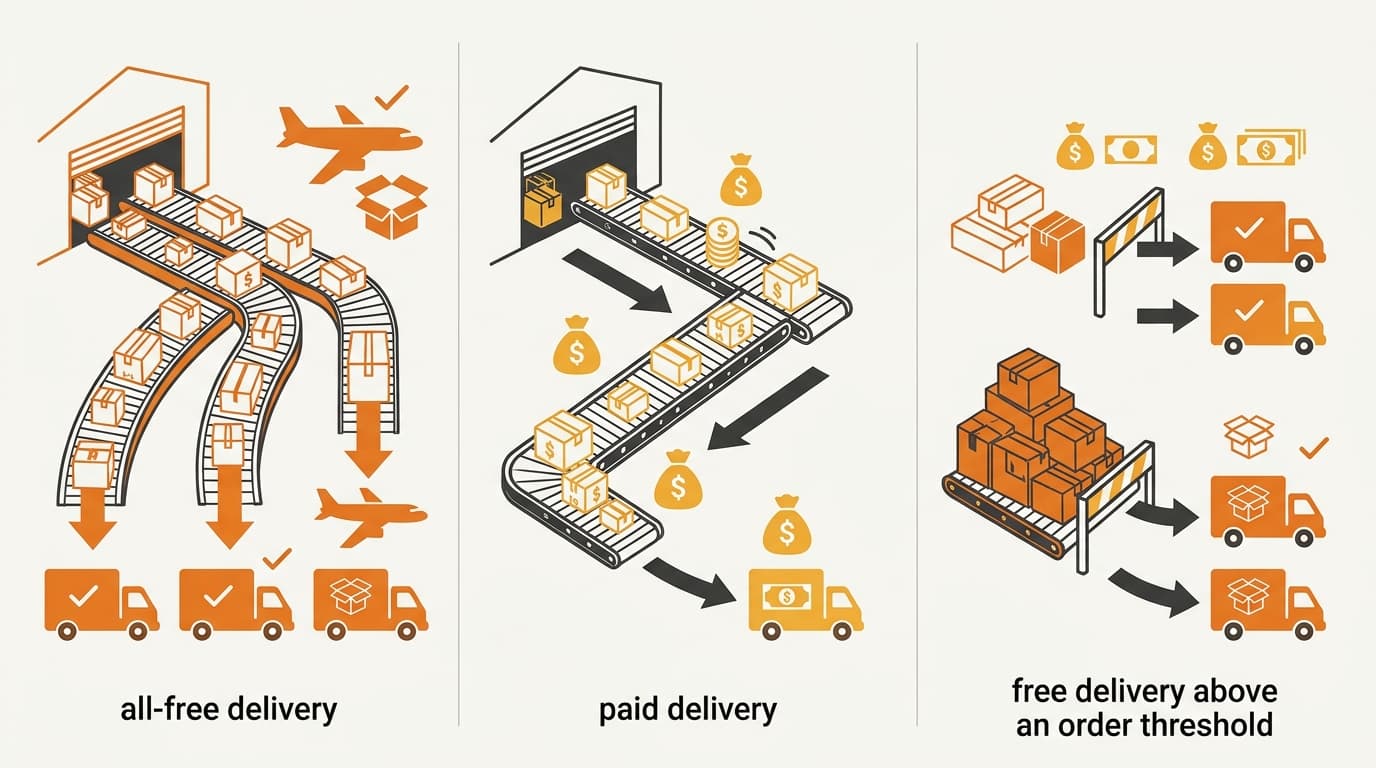
Do not copy the all-free settings into every Coupang listing. The correct values depend on how the listing gives the buyer free delivery.
| Shipping type | deliveryCharge | freeShipOverAmount | deliveryChargeOnReturn | returnCharge |
|---|---|---|---|---|
| Free delivery on every order | 0 | 0 | Enter the original one-way delivery amount | Enter the one-way return amount |
| Paid delivery | Enter the normal delivery amount | 0 | 0 | Enter the one-way return amount |
| Conditional-free delivery | Enter the normal delivery amount | Keep the order-value threshold | 0 | Enter the one-way return amount |
Free delivery on every order. Use this pattern when every order ships free. Coupang says to enter both deliveryChargeOnReturn and returnCharge. Set deliveryCharge and freeShipOverAmount to 0. If this order’s return rule makes the buyer responsible, Coupang can add both amounts.
Paid delivery. Use deliveryCharge for the normal delivery amount and returnCharge for the return trip. Set deliveryChargeOnReturn to 0 because this listing is not using the free-shipping recovery field. Set freeShipOverAmount to 0 as well.
Conditional-free delivery. Use deliveryCharge for orders that do not reach the free-shipping threshold. Keep freeShipOverAmount at the order value that makes delivery free. Set deliveryChargeOnReturn to 0. This listing type is not the same as free delivery on every order.
The practical rule is to choose one row and apply the whole row. A seller who changes a product from all-free to paid delivery should not change only the visible delivery fee. The return fields must match the new shipping type too.
Check the shipping type before submitting a product change
Coupang checks whether the amounts match the selected shipping type. Coupang can reject a product update when the four shipping fields do not match the listing type.
Use this check before changing a live product:
- Identify the listing type. Confirm whether the product is all-free, paid delivery, or conditional-free delivery.
- Open all four fields. Do not review only
returnCharge. The zero values and the free-shipping threshold also matter. - Apply the matching row. For an all-free listing, set
deliveryChargeandfreeShipOverAmountto0. Enter the original delivery amount indeliveryChargeOnReturnand the return-trip amount inreturnCharge. For paid or conditional-free delivery, usedeliveryChargefor the normal delivery amount and setdeliveryChargeOnReturnto0. - Do not reuse the free-delivery formula blindly. The sum of
deliveryChargeOnReturnandreturnChargedescribes the free-shipping case. Paid and conditional-free listings use a different field combination. - Check the current rule before sending the update. Coupang can change its validation or seller instructions. Review Coupang’s official developer documentation for the product API and the current Coupang seller notice, using the four field names as search terms.
The official source to verify is Coupang’s own developer documentation and seller notice, not a general ecommerce guide. The developer documentation explains the product fields and update checks. The current seller notice should control if a later instruction changes how Coupang accepts a combination.
Before sending the update, compare the selected shipping type with all four fields. If one value does not fit, fix the listing before customer service uses its amounts in a buyer conversation.
Keep the listing settings separate from who pays for a return
The fields describe the amounts Coupang can use. They do not mean that every return on a free-shipping order automatically creates both buyer charges.
Customer service should first check the order’s shipping type. It should then check the return rule that applies to that order. Quote the shipping amount only after the order’s return rule shows that the buyer must pay.
For this order, Coupang’s return rule puts shipping on the buyer. Quote the original delivery amount and the return-trip amount shown in the listing. This wording avoids promising a charge before the order has been checked.
A cancellation after shipment is a separate shipping question. See Coupang’s ship-after-cancel return-shipping rules before using a different calculation. Refund timing is also separate from these two shipping amounts; see Coupang’s instant-refund explanation. For wider rules on buyer inquiries and returns, see Coupang seller duties for buyer inquiries and returns.
Common questions about free-shipping returns on Coupang
Does free delivery mean the buyer pays nothing when returning an order?
No. If the order’s return rule makes the buyer pay, a free-shipping listing can use both the original delivery amount and the return-trip amount. The two amounts are stored in deliveryChargeOnReturn and returnCharge.
Is returnCharge the complete cost of a free-shipping return?
Not always. For the all-free listing type, Coupang can add returnCharge to deliveryChargeOnReturn. Treating returnCharge as the complete amount can leave out the original delivery leg.
Should customer service quote both amounts for every return?
No. The listing fields do not decide who pays in every case. Customer service must check the return rule for that order before quoting the buyer.
Can I use the free-delivery settings for paid or conditional-free delivery?
No. Paid delivery uses deliveryCharge and returnCharge, with deliveryChargeOnReturn and freeShipOverAmount set to 0. Conditional-free delivery keeps deliveryCharge and its order-value threshold, while deliveryChargeOnReturn is 0.
What should I check if Coupang rejects the product update?
Check the selected shipping type and all four fields together. Coupang can reject a product update when the fields do not match that type. Then compare the values with Coupang’s current official developer documentation and seller notice before trying again.
Check your Coupang shipping fields
Need help comparing a product’s shipping type with its return-charge settings? Contact Kontactic for a practical review.
About the author
Korean and global e-commerce operators with 15+ years of cross-border experience, led by CEO Isaac Lee — KOTRA-certified consultant and official lecturer for Seoul City and the Korea Customs Service. We run Korea market entry for overseas brands every day; this blog records what we learn in the field.
Meet the Kontactic team →Related Articles
Coupang Product IDs: One ID Cannot Cover Every Variant
One Coupang product ID cannot cover every ERP variant; keep your brand SKU as the main key and map listing, option, edit, and order values to each SKU.
Coupang Rocket Growth Stock: Can an ERP Set It via API?
An ERP cannot set Coupang Rocket Growth stock through the Open API; replenishment starts when Coupang physically receives a new inbound shipment of stock.
Korea FTA Duty: US/EU Warehouse Shipping Is Not Enough
A US or EU warehouse does not prove FTA origin in Korea. The importer must verify production, transit, and documents before claiming a lower customs duty rate.