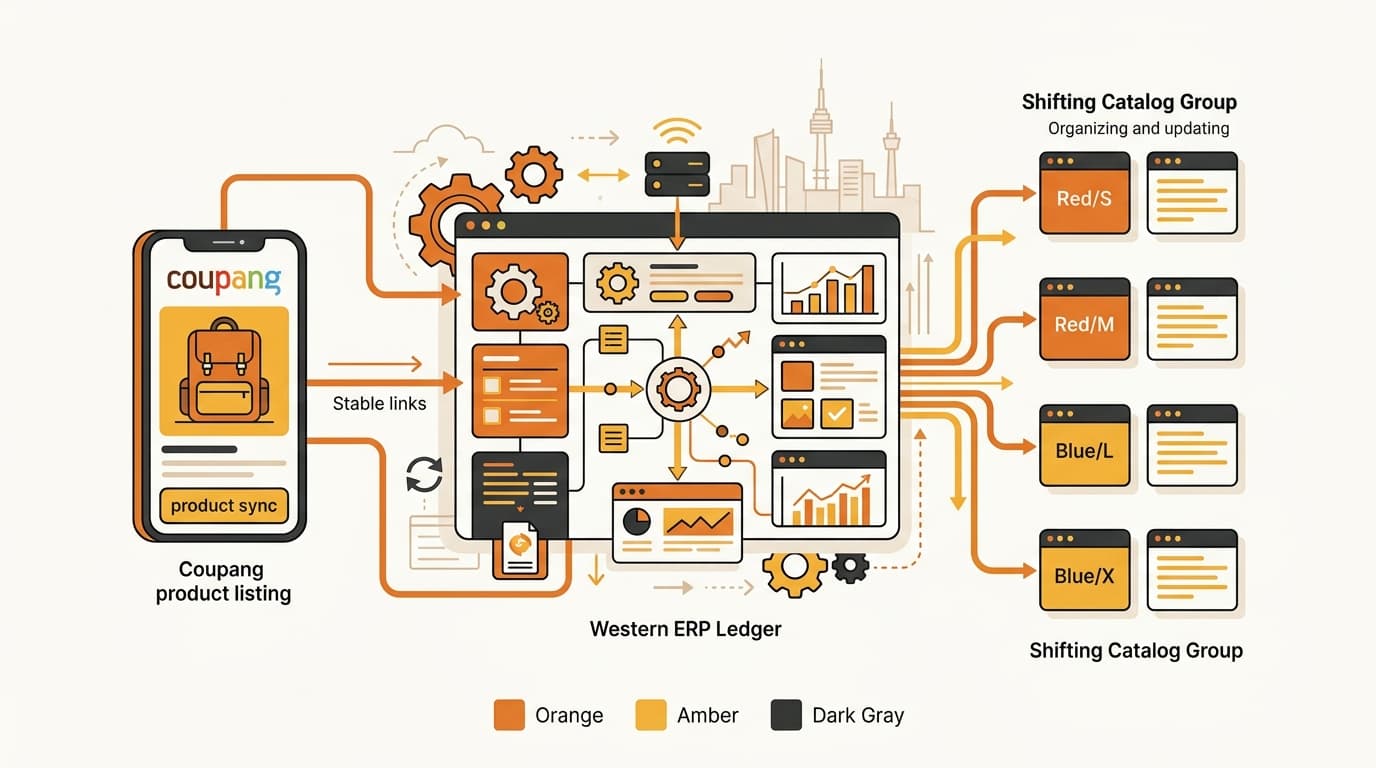
Coupang Product IDs: One ID Cannot Cover Every Variant
No. An enterprise resource planning (ERP) system should not use one Coupang product ID as the permanent key for every size or color. Keep the brand’s stock-keeping unit (SKU) as the main ERP key. Store Coupang’s five fields—sellerProductId, productId, vendorItemId, sellerProductItemId, and externalVendorSku—on the listing row or the matching variant row.
Practical rule. Use sellerProductId to connect the whole listing, vendorItemId for each sellable option, and sellerProductItemId when an option value must be edited. Keep externalVendorSku tied to the brand SKU, and treat productId as a current Coupang grouping value that can change.
Start with the brand SKU
Your brand SKU should be the main code in the ERP. It is the code your team already uses to buy, count, replenish, and report each physical item.
Coupang’s IDs describe the item inside Coupang. They do not replace the code your brand uses across its own systems. A connector should link the two systems, not make Coupang’s changeable grouping ID the only link.
Consider a drinkware brand selling one 500 ml mug in two colors: MUG-500-BLK for black and MUG-500-WHT for white.
The brand has two inventory items. A shopper may see them under one Coupang listing, but black and white still need separate stock counts and separate order matching.
If the connector stores only one productId for the listing, it does not show which Coupang option belongs to MUG-500-BLK or MUG-500-WHT. A stock update could reach the wrong level, and an order line could return without a reliable match to the brand’s SKU.
The safer model is one ERP row for each sellable variant. Store the option-level Coupang values on that row, and store the listing-level value separately. If Coupang changes the displayed product grouping, the connector can update that platform field without changing the brand’s internal SKU.
externalVendorSku can carry the brand SKU if Coupang’s application programming interface (API) accepts that field. That can help Coupang return the seller’s own code in a purchase-order lookup. It does not mean the connector should discard the Coupang IDs. The brand code and the Coupang values solve different problems.
That is the first buying test: ask whether the connector can show the exact path from one brand SKU to one Coupang sellable option. If it cannot, it cannot safely keep product, stock, and order updates tied together.
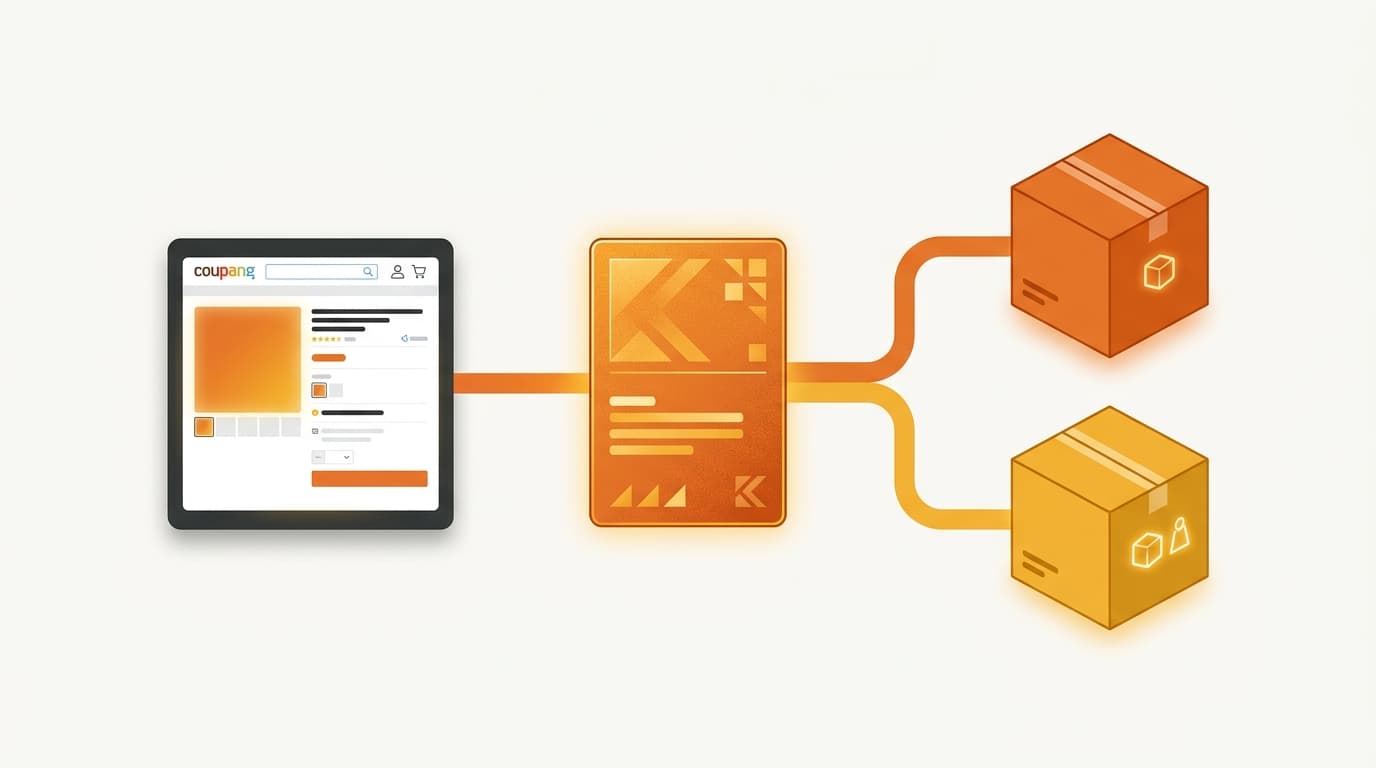
What Coupang’s five product values mean
These field definitions come from Coupang’s official Open API developer documentation. Check the request and response for the specific API call you use. A field that identifies a listing is not automatically the field needed to edit an option or match an order.
| Coupang value | What it identifies | How an ERP should use it | What to remember |
|---|---|---|---|
sellerProductId | Coupang’s registration-product ID. It groups related options in the listing created by the seller. | Connect the brand’s listing row to the whole Coupang listing. | Coupang creates it when the listing is made, and it does not change. |
productId | Coupang’s displayed product ID. Items and seller options sit under this product grouping. | Save the current displayed grouping when a specific API call returns it. | It can change when Coupang merges or separates products. Do not make it the permanent ERP key. |
vendorItemId | The smallest option ID, such as one size and color combination. | Keep one value for each sellable variant and use it for the option-level link. | Coupang says it does not change and commonly uses it as the key. |
sellerProductItemId | A value returned by a product lookup after creation. | Store it separately for requests that change an option’s values. | It is not the same as vendorItemId. |
externalVendorSku | The seller’s own product code entered in Coupang. | Put the brand SKU here where the API accepts it, then use it to match purchase-order results. | It is your code, not a substitute for the Coupang ID links. |
The two most common mistakes are easy to name. First, a connector treats productId as permanent even though Coupang can change it. Second, it treats vendorItemId and sellerProductItemId as two names for the same field.
They are not the same. vendorItemId identifies the smallest sellable option. sellerProductItemId comes from the product lookup and is needed when an option’s values are changed. A connector that edits options must save both values in separate fields.
Listing creation is also separate from ID mapping. Coupang Open API can upload product catalogs, but the connector still needs to save the values returned after the listing and its options exist. “It can create a product” is not proof that it can maintain the product afterward.
Do not collapse the two item fields. Use vendorItemId to identify the sellable variant. Use sellerProductItemId when Coupang’s option-edit request asks for that lookup value. Similar names do not mean interchangeable values.

Why productId is the wrong permanent key
productId is useful, but it is not safe as the only long-term reference. Coupang says this value can change when products are merged or separated.
A merge may move products into one displayed grouping. A separation may split a grouping into different products. In either case, an ERP that saved only the old productId may no longer know which current Coupang grouping belongs to its listing.
The fix is not to ignore productId. Keep it as the current Coupang value and refresh it when the platform returns a new one. Store these other links too:
sellerProductIdfor the whole registration productvendorItemIdfor each smallest sellable optionsellerProductItemIdfor option-value editsexternalVendorSkufor the brand’s own code in seller-side lookups
The brand SKU remains the main key in the ERP. Coupang’s values tell the connector where that SKU sits on the marketplace today.
vendorItemId is the practical option-level key, but it is not the complete answer. It does not replace sellerProductId for the whole listing, sellerProductItemId for an option edit, or externalVendorSku for matching the seller’s own code. The connector needs linked values because the API gives each one a different job.
“One Coupang ID can describe one layer of a listing. It cannot safely replace the listing link, the variant link, the edit reference, and the brand SKU.”
Practical ERP mapping rule — Coupang marketplace integration
Worked example: two mug variants through the ERP
Now trace the two mug options from the example. The actual values returned by Coupang will be platform identifiers. The labels below show what the connector should store and how it should use each field.
-
Create the listing row. The connector saves one
sellerProductIdfor the registration product. It also saves the currentproductIdas the displayed product grouping. Those values describe the listing level, not two separate color stocks. -
Create one option row per sellable variant. The black row stores
MUG-500-BLKas the brand SKU and its ownvendorItemId. The white row storesMUG-500-WHTand a differentvendorItemId. Both rows point back to the samesellerProductIdwhen the colors sit in one listing. -
Save the edit reference. After creation, a product lookup returns a
sellerProductItemIdfor each option. The connector stores that value on the matching option row. If Coupang accepts a later option change, use thesellerProductItemIdfor that edit. Do not substitute a guessedvendorItemId. -
Update stock for the correct option. If the ERP reduces black mug stock, the connector finds
MUG-500-BLK, follows its storedvendorItemId, and updates the black option. It does not send one listing-levelproductIdand hope Coupang infers which color changed. -
Match an order line. When a purchase-order lookup returns
externalVendorSku, the connector can matchMUG-500-BLKback to the brand’s black mug SKU row. The ERP then subtracts stock from the right SKU instead of from the shared listing total. -
Handle a product-group change. If Coupang merges or separates products and returns a different
productId, the connector updates the current grouping value. It keeps the brand SKU,sellerProductId, andvendorItemIdlinks that Coupang says do not change.
An ID match is not the whole order problem. A Coupang order line can contain more than one physical unit. The connector must map it to the correct SKU and quantity; see why one Coupang order line is not always one unit. The ID design comes first, but quantity mapping still matters after the ID is found.
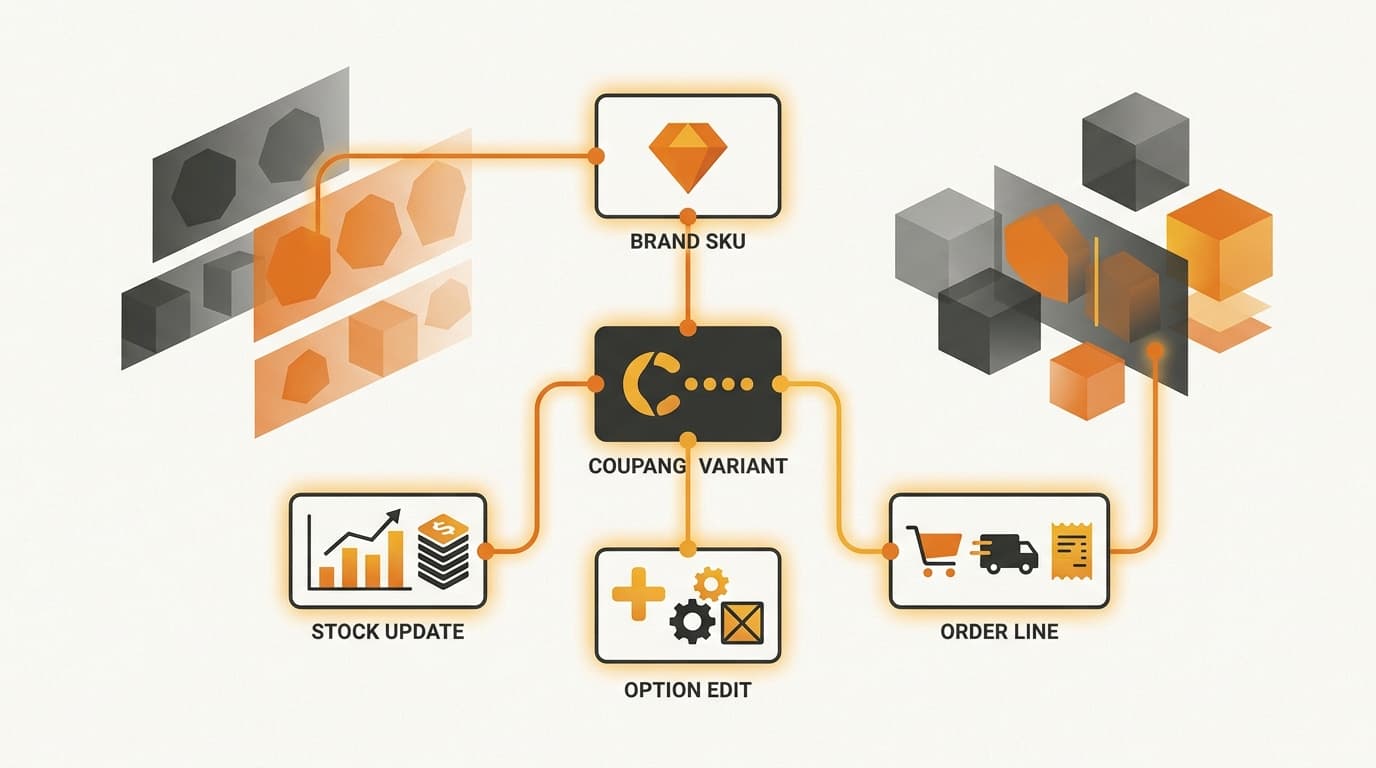
The connector buying test
Do not accept “we support Coupang IDs” as a complete answer. Ask the connector vendor to show the fields it stores and the value used by each operation.
-
Does it store all five values? You should see
sellerProductId,productId,vendorItemId,sellerProductItemId, andexternalVendorSku, not just a generic “Coupang product ID” field. -
Does it keep one option link per sellable SKU? Ask to see a listing with two colors or sizes. Each variant should have its own
vendorItemIdand its own brand SKU. -
What happens after a merge or separation? The answer should explain how the connector updates the current
productIdwhile keeping the brand SKU and stable option links. “We useproductIdas the primary key” is a warning sign. -
Can it edit option values after creation? If yes, ask where it stores
sellerProductItemIdand which lookup supplies it. A vendor that mentions onlyvendorItemIdhas not answered the option-edit question. -
How does it match purchase-order lines? Ask whether it reads
externalVendorSkuwhen the purchase-order lookup provides it, then maps that value to the brand SKU in the ERP. -
Can it show the ID used for each update? Product creation, stock updates, option edits, and order matching may need different fields. The connector should show your team which field each operation uses.
ID storage does not remove the need to choose the right API call. Check which Coupang field the connector sends for each operation. Do not check only whether it can create a listing. Price and stock use separate Coupang API calls; see Coupang’s price and stock calls are separate.
A connector that stores only productId cannot reliably update products and orders. vendorItemId alone may handle variant stock, but it does not cover the listing, option edits, or seller-code matching on its own.
Common questions about Coupang product IDs
Can I use sellerProductId for every variant?
No. It identifies the registration product and groups related options. Save a separate vendorItemId for each size, color, or other smallest sellable option.
Is productId useless?
No. Keep it as the current displayed product grouping and pass it where a specific API call requires it. Do not use it as the permanent ERP key because Coupang can change it during a merge or separation.
Is vendorItemId enough for a connector?
No. It is the practical option-level value, but a complete mapping also needs the listing-level sellerProductId, the edit-level sellerProductItemId, and the brand SKU or externalVendorSku.
Can externalVendorSku replace the Coupang IDs?
No. It is the seller’s own product code and helps match purchase-order results to the ERP. The Coupang IDs still connect the seller’s SKU to Coupang’s listing and option objects.
What should happen when Coupang merges or separates products?
The connector should refresh the current productId and keep the brand SKU, sellerProductId, and vendorItemId links. The displayed grouping can change; the ERP’s SKU should not.
Does storing all five values guarantee synchronization?
No. The five values give the connector the links it needs. It must still send the correct API call and match each response to the right SKU and quantity. Use Coupang’s official developer documentation to verify the field required for each operation.
Check your Coupang connector before you buy
Bring your SKU structure and connector field map to Kontactic. We can help you check whether listing, variant, option-edit, and order links are separated clearly before automation starts.
About the author
Korean and global e-commerce operators with 15+ years of cross-border experience, led by CEO Isaac Lee — KOTRA-certified consultant and official lecturer for Seoul City and the Korea Customs Service. We run Korea market entry for overseas brands every day; this blog records what we learn in the field.
More about Kontactic →Related Articles

Coupang Rocket Growth Stock: Can an ERP Set It via API?
An ERP cannot set Coupang Rocket Growth stock through the Open API; replenishment starts when Coupang physically receives a new inbound shipment of stock.

Korea FTA Duty: US/EU Warehouse Shipping Is Not Enough
A US or EU warehouse does not prove FTA origin in Korea. The importer must verify production, transit, and documents before claiming a lower customs duty rate.

Agentic Commerce: When AI Picks the Product, What Should Brands Selling in Korea Do?
AI shopping agents now search, compare, and sometimes buy for the shopper, and they recommend 1–5 products instead of a page of results. What Korea's Chamber of Commerce found in the US and Europe, and what it means for your product data in Korea.