What Happens After Your Korean Coupang Page Is Finished?
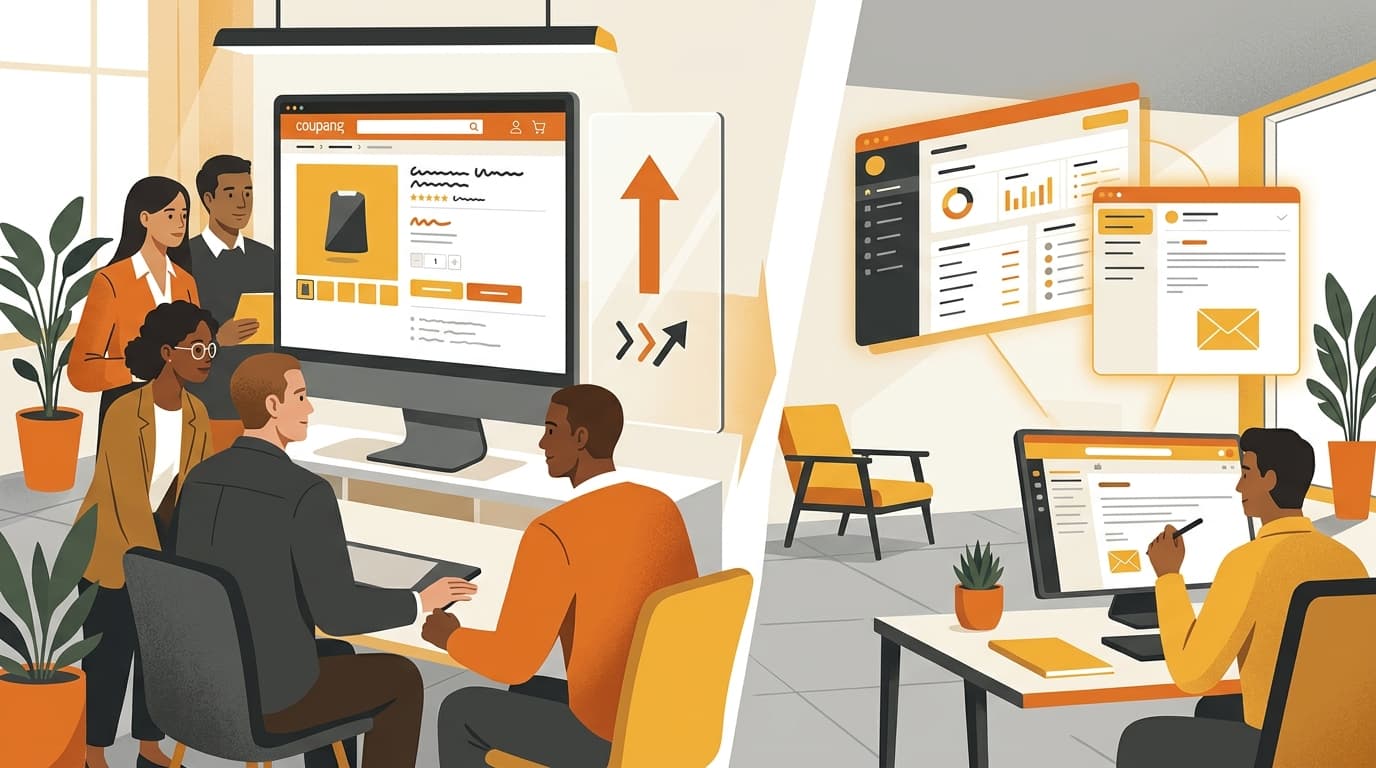
After your Korean Coupang product page is finished, the next step is to show the seller the real page and give one clear instruction. Kontactic’s launch sequence does that in Seller Center and email, then stops sending launch messages once the seller has used the page.
The finished page needs a clear next action
A completed page can still leave a seller asking, “What should I do now?” Imagine a US home-goods brand that has just received a Korean Coupang page for an insulated bottle. The page is finished, but the Korea operator still needs to act on it. A short message saying only “your page is ready” does not show the exact result or explain the next move.
This update starts after the page-building work. If you are looking for that earlier step, How to Localize Product Pages for Korean E-commerce explains why a Korean page needs more than direct translation.
The post-page experience has three practical parts:
- The launch message shows the Korean product detail page created for that seller.
- The notice in Kontactic Seller Center and the email give the same next-step instructions.
- Follow-up messages go only to sellers who have not yet used the page.
A finished Korean Coupang page is not the final communication step. The seller needs to see the actual page and know what to do next; the launch sequence handles both.
The feature does not change the product page itself. It changes what the seller receives after the page is ready. That matters when overseas headquarters, a local Korea team, and an external operator are working across different inboxes and workspaces.
The first message shows the page made for your seller
The launch message is the message that introduces the finished page. It shows the Korean product detail page actually created for the seller. It does not show a generic sample page.
That difference is useful. A sample can show the style of a finished page, but it cannot show what was made for your product. The actual page lets the seller look at the result that now needs action.
For the insulated-bottle brand, the sequence is simple:
- The brand receives the launch message.
- The message shows the Korean Coupang page created for the insulated bottle.
- The seller can take the next action using that page, rather than searching through a sample or asking which product the message refers to.
The message gives the seller one concrete object to work with. It also gives headquarters a clear result to discuss with the Korea team. No one has to guess which page the message means.
This is the point after the Korean page has been produced, not a replacement for the production work. For more detail on turning product material into a Coupang-ready page, see Coupang-Ready Export: Kontactic’s Listing Builder. The launch message begins once that finished page is available to the seller.

Seller Center and email give the same next instruction
Showing the page solves only the first problem. The seller also needs to know what to do with it.
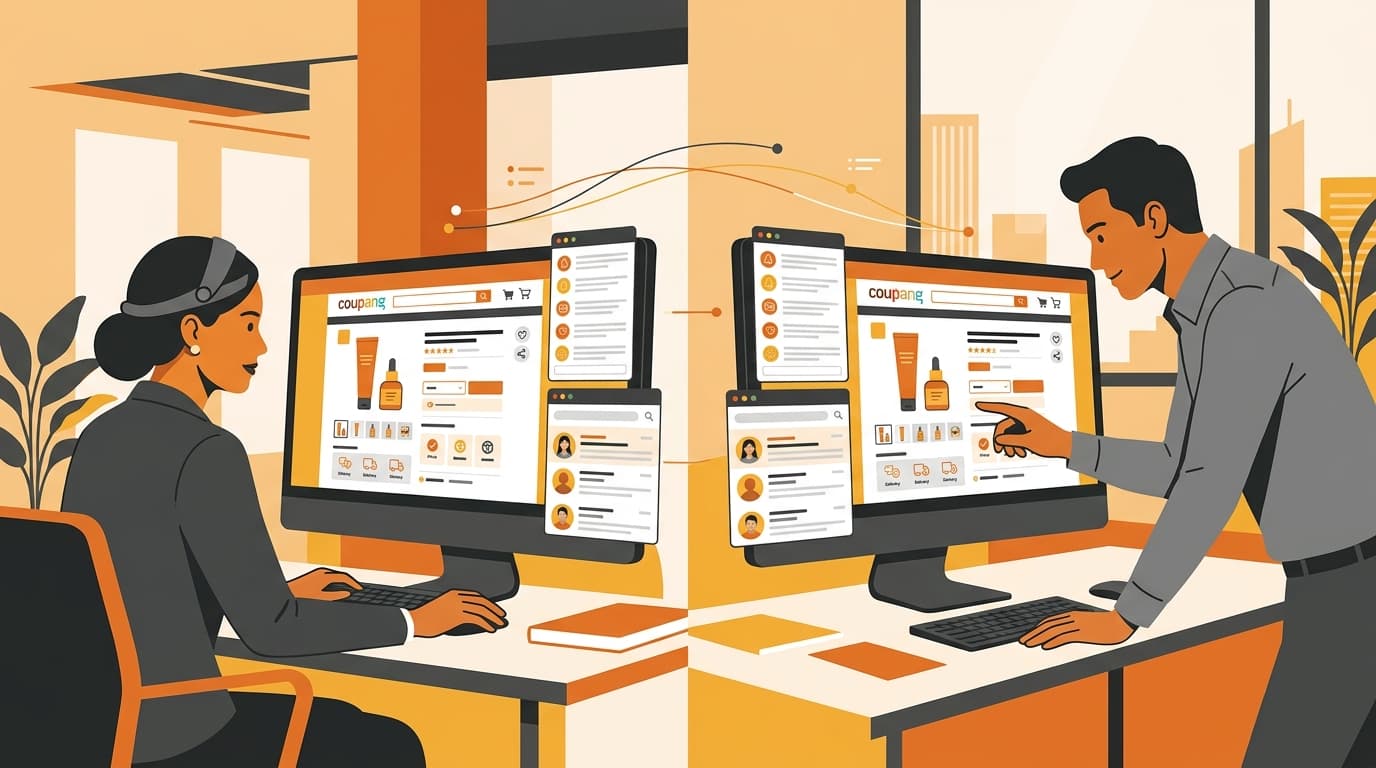
Kontactic gives the next-step instructions in two places: a notice in Seller Center and an email. The instructions match. The seller does not receive one direction in Seller Center and a different direction in the inbox.
This matters when more than one person works on the Korea launch. The head office may check email first. A local operator may work inside Seller Center. If both people see matching instructions, they can work from the same direction instead of deciding which message is current.
For example, the home-goods brand’s head office can open the email while its Korea operator checks Seller Center. Both see the finished Korean product page and the same next step. The product page remains the reference point, and the two messages support the same action.
The important detail is not simply that the seller gets two messages. It is that the instructions agree. Matching instructions remove one common reason for a launch to pause: people spending time comparing messages instead of using the finished page.
This also keeps the post-page handoff short. The seller does not need a separate explanation for email and another explanation for Seller Center. The same instruction works in both places.
Follow-ups stop when the seller has used the page
A reminder should depend on what the seller has done. It should not keep arriving after the seller has already moved forward.
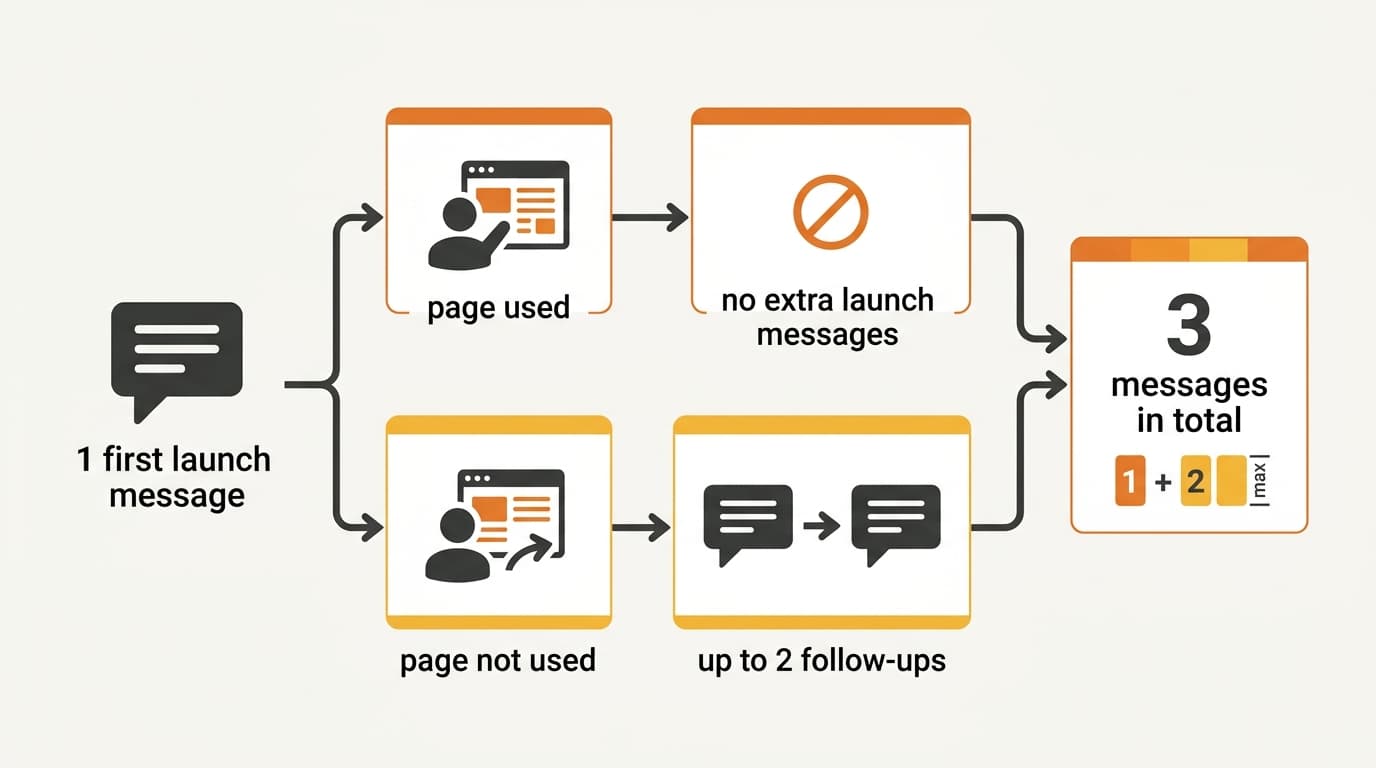
The launch sequence can contain 3 messages in total: 1 first launch message and up to 2 follow-ups. The follow-ups go only to sellers who have not yet used the page.
The two possible results look like this:
| Seller status after the first message | What happens next |
|---|---|
| The seller has used the page | No extra launch messages are sent. |
| The seller has not used the page | The seller can receive up to 2 follow-ups. |
A brand that has already used its Korean page receives no extra launch messages. A brand that has not used it receives the two follow-ups in the launch sequence.
This is different from sending the same reminder to every seller. The message sequence responds to the seller’s status. Once the page has been used, the launch sequence does not continue adding messages for that seller.
The rule is also easy to explain inside a brand team. The first message shows the real page. If the seller uses it, there are no extra launch messages. If the seller has not used it, the sequence can send the follow-ups.
What the seller should do when the message arrives
From the seller’s side, the next step does not require a long set of rules. Use the message as a short handoff from finished page to action.
- Open the launch message. Look at the Korean Coupang product page shown for your seller account.
- Read the next-step instruction. You will find the same instruction in the Seller Center notice and the email.
- Use the page as instructed. The follow-up rule depends on whether the seller has used the page.
- If you have already used it, continue with your launch work. No extra launch messages are sent for that seller.
- If you have not used it, watch for the follow-ups. The sequence can send up to 2 more messages.
The exact internal owner may differ from brand to brand. Headquarters may take the action, or a Korea-based operator may do it. The message does not require every team to work in the same place. It gives both Seller Center and email the same direction so the responsible person can act.
A useful internal habit is to decide who owns the next action when the launch message arrives. That decision is separate from the feature, but it helps a distributed team avoid leaving the page untouched while people assume someone else is handling it.
The key point is simple: the seller sees the real page, follows one matching instruction, and does not receive more launch messages after using it.
Why this matters for a brand going local in Korea
A local launch can slow down after the Korean product page has been delivered. The page may be complete, but the seller still needs a clear way to move from “finished” to “used.”
This update removes three avoidable questions:
- Which page should I look at? The launch message shows the actual Korean page made for the seller.
- Which instruction should I follow? Seller Center and email provide matching next-step instructions.
- Will I keep receiving reminders after I act? No. Sellers who have used the page receive no extra launch messages.
That is especially useful for a Western brand with a head office outside Korea and a local team handling the market. The page is visible to the seller, the instruction is consistent across the two communication channels, and the follow-up goes to the people who still need it.
The feature does not complete every launch decision for the brand. It does something narrower and practical: it makes the first action after page completion clear, then avoids sending the same launch prompt to sellers who have already used the page.
Common questions about the post-page launch
Is the launch message a generic sample?
No. It shows the Korean product detail page actually created for the seller.
Do Seller Center and email give different instructions?
No. The notice in Kontactic Seller Center and the email guide use the same next-step instructions.
How many messages can the launch sequence contain?
It can contain 3 messages in total: 1 first launch message and up to 2 follow-ups.
What happens if the seller has already used the Korean page?
The seller receives no extra launch messages.
What happens if the seller has not used the page?
The seller can receive the two follow-ups in the sequence. Those follow-ups are for sellers who have not yet used the page.
Need a clear next step for your Korea launch?
Tell Kontactic where your Korean product-page work stands, and we can discuss the next operational step for your brand.
About the author
Korean and global e-commerce operators with 15+ years of cross-border experience, led by CEO Isaac Lee — KOTRA-certified consultant and official lecturer for Seoul City and the Korea Customs Service. We run Korea market entry for overseas brands every day; this blog records what we learn in the field.
More about Kontactic →Related Articles

Korean Tax and Import Paperwork: What Kontactic Handles
Korean tax and import paperwork: you provide entity details, supporting documents, and import papers; Kontactic completes the local submissions for a shipment.

How Do I Renew My Korean Entity Service Before It Lapses?
See how Korean entity service renewal works: billing starts three months before the end date, with warnings two and one months ahead so HQ can respond in time.

How Does Seller Center Make Korean Contracts Reviewable?
Kontactic Seller Center turns Korean contract translation into a structured review workflow, so HQ can approve scope while the Korean document stays the local execution record.