Do I Have to Recheck My Whole Catalog When One SKU Changes?
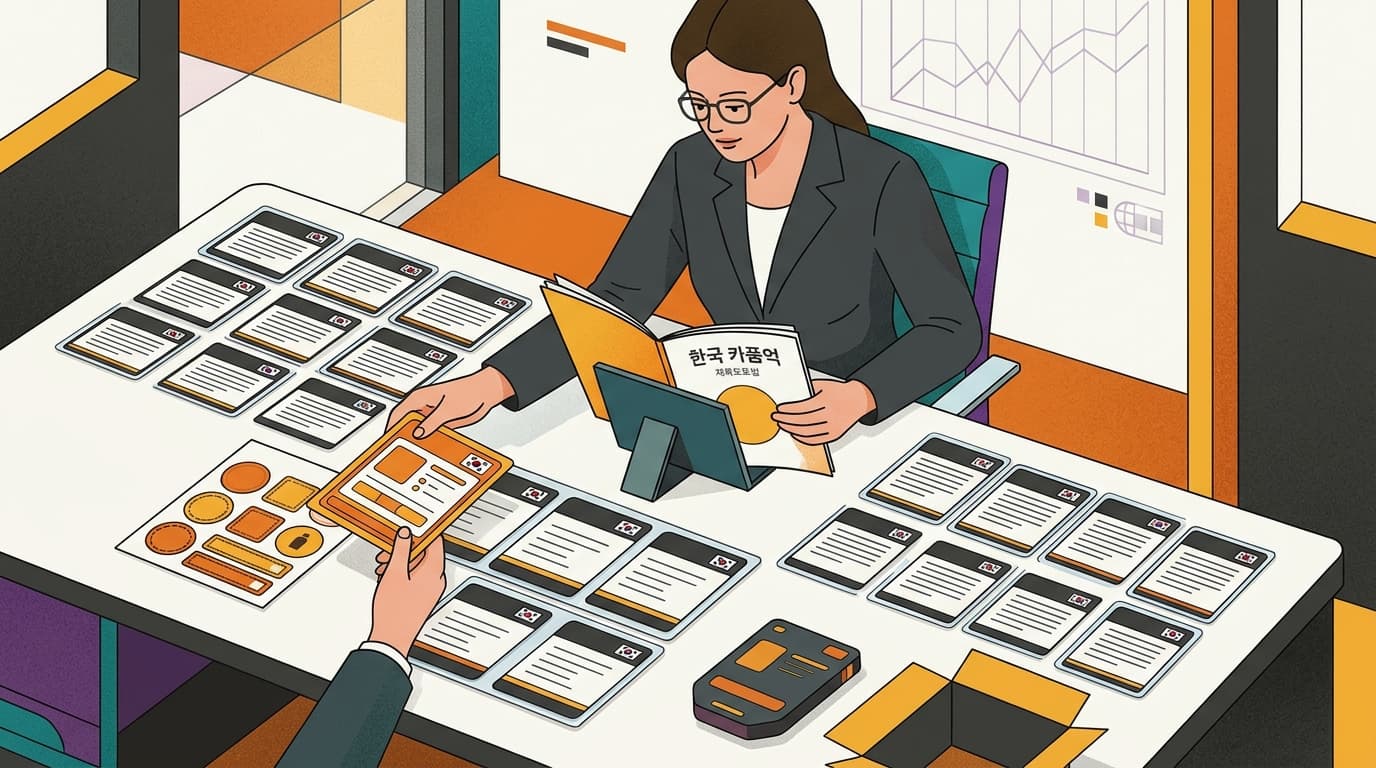
No. If one SKU’s Korean label changes, you can send only that SKU for another check instead of sending the full catalog again. For example, if SKU A changes and a grouped label submission later needs a replacement, a product that became eligible after the first review can be one of the replacement choices.
The practical rule: select only the affected SKUs. Submit a shared label group once, then use each selected product’s saved decision and explanation to decide what to do next.
Recheck only the products that changed
A Korean launch can keep moving after the first catalog review. A label may change. The list of products allowed to proceed may change too.
Seller Center lets the brand choose the SKUs that need another check. If one label changes, choose that SKU. If several products change, choose those products. Unchanged SKUs do not need to be included just because they sit in the same catalog.
This gives the seller a clear starting point. Find the product that changed, select it, and send it for another check. Do not prepare the unchanged catalog again when the new question concerns one SKU.
Suppose SKU A receives a revised Korean label after the first review. The seller selects SKU A. The other products stay outside that recheck. The new decision then applies to the item that actually changed.
This is useful for a Western brand preparing a Korean launch. Launch dates can move while product pages, labels, and the list of products allowed to continue are still being checked. A focused recheck lets the seller respond to the changed item without repeating the same request for products that stayed the same.
Submit a shared label group once
Product selection and label-group submission solve two different problems.
Product selection answers: which SKUs need another check? Label-group submission answers: how should one label be sent when several products use it?
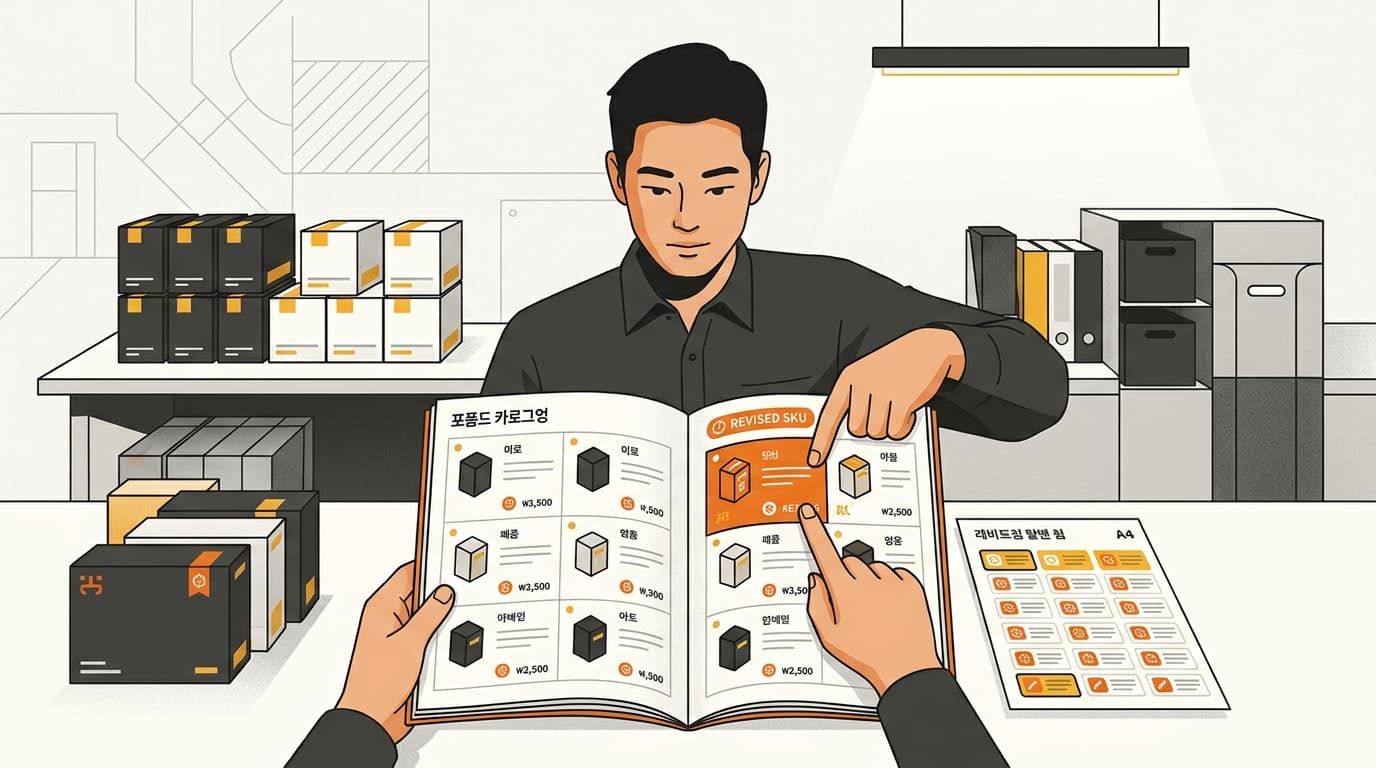
When several products are covered by one label group, the seller submits that group once. The seller does not upload the same label in every product slot. This keeps one shared label from becoming several repeated submissions.
For example, several selected products may use the same Korean label group. The seller sends the group once, even though more than one product is covered. If another product uses a different label group, that group is handled separately.
The important point is not to confuse the product list with the label list. A seller can select only the affected SKUs and still submit the shared label group once. The first choice keeps unchanged products out of the recheck. The second prevents the same label from being sent repeatedly.
This matters when a label changes after the first review. The seller can focus on the affected product or products, then send each shared label group once where the selected products use one.

If a grouped submission is rejected, use a newly eligible SKU
A review can change the list of products that may continue. A SKU that was not eligible during the first review may become eligible later.
When a grouped label submission is rejected and needs a replacement, the replacement choices can include products that became eligible after the original review. The seller can use the current eligible choices instead of treating the original catalog as fixed.
Suppose SKU A was part of a grouped submission. The group is rejected. By that time, SKU B has become eligible even though it was not eligible during the first review. SKU B can be included among the replacement choices.
This does not mean every SKU can replace every other SKU. It means a product that qualifies later can be considered when the grouped submission needs a replacement. The seller should use the choices available for that review, rather than assuming only the original products can be used.
A grouped rejection does not automatically require a full catalog restart. When a replacement is needed, check whether a product that became eligible after the first review is among the available choices.

Each selected product keeps a decision and explanation
A focused recheck is useful only if the seller can see what happened to each selected item. Seller Center saves a decision and an explanation for every selected product.
The decision and explanation are available in English, Chinese, or Japanese. A brand team can use the language that fits its working group. The seller does not have to rely on a single short status for the entire catalog.
This per-product result also helps when products share a label group. One group may cover several products, but each selected product still receives its own saved decision and explanation. When one SKU changes, the seller can return to that SKU’s result instead of searching through the whole catalog.
The saved explanation matters when the next step is a replacement. It gives the seller the reason attached to the selected product while the seller decides whether the grouped submission needs another choice.
Worked example: one changed label and one replacement
Here is the seller-side sequence.
- The brand completes an initial review of its Korean catalog.
- The Korean label for SKU A changes after that review.
- The seller selects SKU A for another check. Unchanged SKUs are left out.
- SKU A belongs to a label group that covers several products. The seller submits that group once, instead of submitting the same label in every product slot.
- The grouped submission is rejected and needs a replacement.
- SKU B became eligible after the initial review. SKU B can be included among the replacement choices.
- The seller reads the saved decision and explanation for each selected product in English, Chinese, or Japanese.
The seller has handled the changed label and the replacement without sending the unchanged catalog through the same recheck. If more than one SKU changes, the same approach applies: select the affected products, not products that did not change.
A simple checklist before another catalog check
Before sending a recheck, the seller can ask six simple questions:
- Which SKU or SKUs changed?
- Which products actually need another check?
- Do selected products share one label group?
- Can that group be submitted once instead of repeated in each product slot?
- If the grouped submission needs a replacement, which current eligible products are available?
- Which language should the team use for the saved decision and explanation?
The answers keep the new submission small. They also stop two common mistakes: sending unchanged products back through review and sending one shared label multiple times.
Common questions about rechecking a Korean catalog
Do I have to recheck the whole catalog when one SKU changes?
No. Select the SKU that changed and send it for another check. Add other SKUs only when they are also affected.
Do I submit one shared label again for every product it covers?
No. When several products are covered by one label group, submit that group once instead of uploading the same label in every product slot.
What if the grouped label submission is rejected?
If it needs a replacement, the choices can include a product that became eligible after the original review. A rejected group does not automatically mean the full unchanged catalog must be sent again.
Does each selected product get its own explanation?
Yes. Each selected product gets a saved decision and explanation. The information is available in English, Chinese, or Japanese.
Can a product that was not eligible at first become useful later?
Yes, it can be included among replacement choices if it became eligible after the original review and the grouped submission needs a replacement. The exact choices still depend on the products available for that review.
Keep your Korean catalog current
If one SKU or label group changes, contact Kontactic to discuss how to keep the next review focused on the products that need it.
About the author
Korean and global e-commerce operators with 15+ years of cross-border experience, led by CEO Isaac Lee — KOTRA-certified consultant and official lecturer for Seoul City and the Korea Customs Service. We run Korea market entry for overseas brands every day; this blog records what we learn in the field.
Meet the Kontactic team →Related Articles

Korean Product Approval: Why a SKU Needs It and What to Do
Korean product approval does not have to be a yes-or-no answer. See the cited rule, preparation steps, language options, and SKU-only rechecks HQ can use.

Coupang Order Appearing Twice: How Kontactic Stops It
Coupang can send the same product option twice in one order. Here is how Kontactic joins the repeat so your local team processes one clear order line.

Korean Import Totals: Compare Supplier Payments
Kontactic compares each seller’s running Korean import total with its running supplier-payment total to help local teams find missing entries or timing gaps.