
Coupang Order Appearing Twice: How Kontactic Stops It
Kontactic Seller Center checks each Coupang order and product option as the line arrives. If Coupang sends the same order and product option twice, it joins the second line to the original. Your local team then processes one line instead of a duplicate that can look like a second purchase or block the import.
The seller problem: one purchase can arrive as two lines
A Coupang order arrives in Kontactic Seller Center with its selected product options. In most cases, the Korea team reads the order and processes it. A repeated line creates confusion before the team can act.
A customer buys one blue, large item. Coupang sends that option twice for the order. The customer made one purchase, but the incoming data can show two blue, large lines.
The local team must decide whether the second line is a new purchase or the same product option repeated by Coupang.
That decision can delay processing. One purchase may look like two. If the import does not accept the repeated line, the order can stop before the team receives a usable line.
This matters when an overseas brand operates in Korea with a local team. The team needs one clear order line. It should not compare rows by hand before it knows what to process.
Blue, large is easy to read. The problem is not the option name. The problem is that the same order and option can arrive on more than one line.
What Seller Center checks when the order arrives
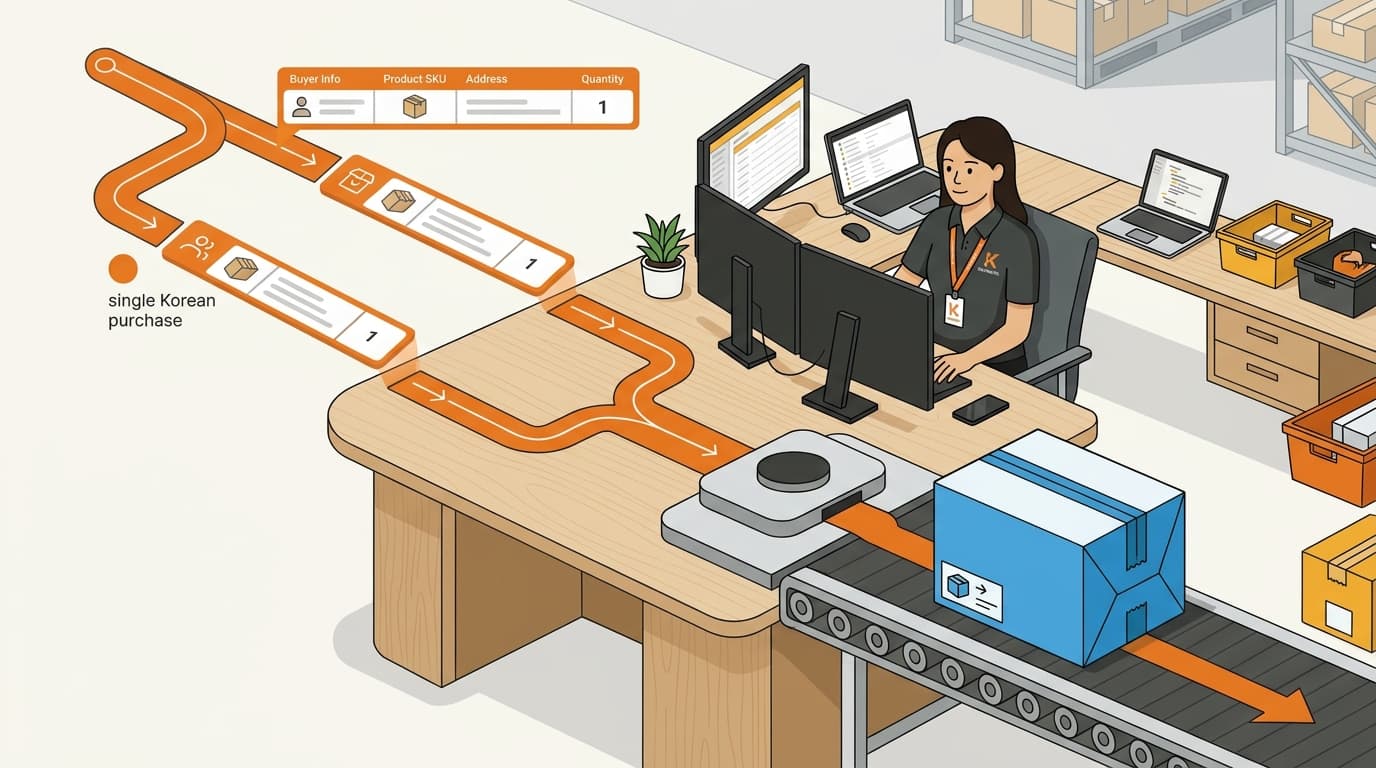
Kontactic Seller Center does not create a new order line for every line Coupang sends. It checks two pieces together: the order and the product option.
The order tells Seller Center which purchase the line belongs to. The product option tells it which selected item or variation the line describes. Both pieces are needed. The option alone cannot identify one purchase.
The steps are:
- Coupang sends the order to Seller Center with its product options.
- Seller Center checks the incoming order and option together.
- If the same order and option appear again, Seller Center identifies the repeat.
- Seller Center joins the second line to the original order as the order arrives.
It handles the repeat before the line reaches the local team and looks like a second order. Seller Center does not treat the matching repeat as a new order. The repeated line also does not have to reach the team and stop the import.
“Combines” has a practical meaning here. Seller Center joins the repeat to the original order instead of creating another order for the seller to act on. The seller does not need a new product code or a different option name. The existing order and selected option stay in place.
The blue-and-large example, step by step
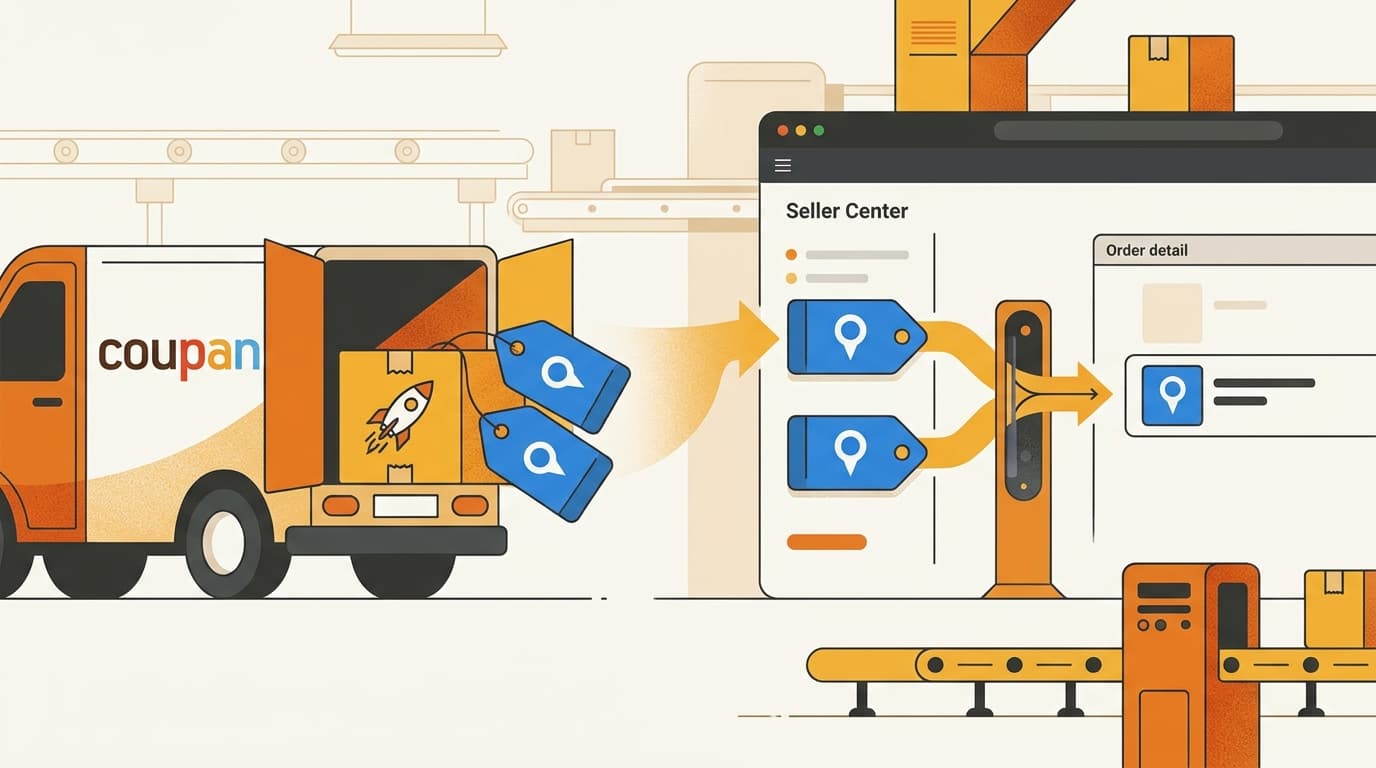
A customer buys one blue, large item on Coupang. The order enters Kontactic Seller Center with that product option. Coupang then sends the same order and the same blue, large option on a second line.
Seller Center compares the new line with the line already received. Both parts match:
- The order is the same.
- The selected product option is the same.
Seller Center treats the second line as a repeat of the first. It joins the repeat to the original order. The seller then gets one blue, large order line to process.
The team does not receive a line that looks like a second order for the same purchase. The repeat does not leave the team to fix the order by hand. The order can continue through the import even though Coupang sent the same order and option twice.
The check is narrow:
| Incoming lines | What this update covers |
|---|---|
| The same order and the same option appear twice | The repeat joins the original order |
| The same option appears in a different order | This is not the same order and option |
| Different options appear in the same order | This is not the same order and option |
For example, two customers can both buy a blue, large item. The option is the same, but the orders are different. Seller Center keeps those lines separate because the order does not match.
The same logic applies inside one order. A blue, large option and a different option are not the same order and option. This update does not merge every line that mentions a similar product. It handles the specific case where both the order and the selected option repeat together.
What changes for the local seller team
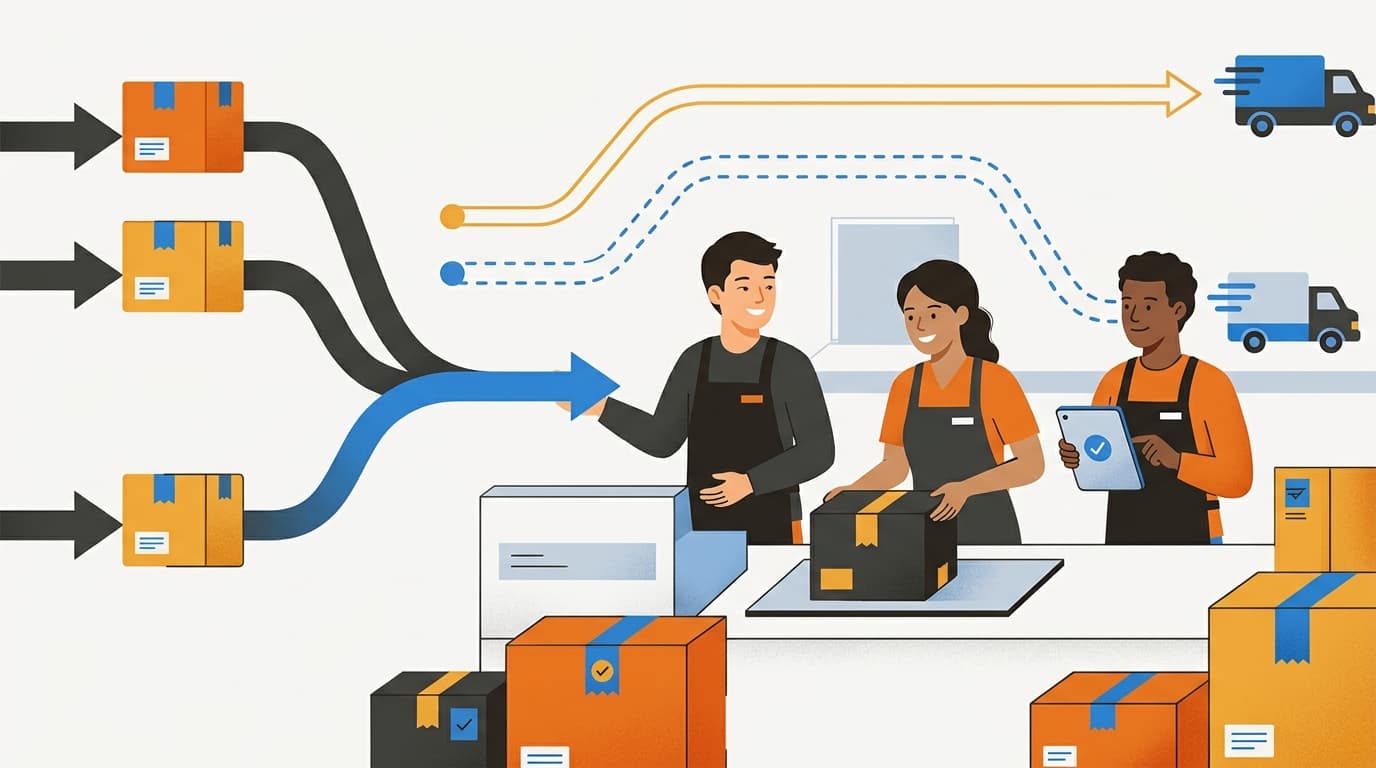
The Korea team sees one blue, large line and can process it without comparing duplicate lines. It does not need to decide whether the second line is a new purchase or explain why the same option appeared twice.
Handling the repeat as the order arrives keeps the duplicate from reaching the local team. The team can process the original order line instead of waiting for someone to fix the repeat by hand.
The product option remains visible. This update joins the matching incoming line; it does not ask the seller to ignore the selected option or skip normal order checks. The team still works with the Coupang order and its product option.
Why the order and option must match together
Checking the product option alone would not be enough. Many customers can buy the same option, so “blue, large” does not identify one purchase by itself.
Checking the order alone would also miss the product detail. One order can contain more than one product option. Seller Center needs to know which selected option the repeated line describes.
The system merges only a matching order and product option, not every line with the same option. Two customers can buy the same blue, large item and still have separate orders. Within one order, a blue, large option and a different option also stay separate.
This narrow check follows the exact duplicate pattern: the same purchase and the same selected option arrive again. It stops one purchase from looking like two without joining different purchases that happen to use the same option.
Common questions about repeated Coupang order lines
Can the same product option in two customer orders combine?
No. The option may be the same, but the orders are different. Seller Center keeps the lines separate.
Can two different options in one order combine?
No. The selected options must also match. A blue, large option and a different option are not the repeated line covered here.
Does the local team need to find the repeat first?
No. Seller Center handles the matching repeat as the order arrives. The team receives the original order line instead of fixing a duplicate during import.
Have a Coupang order-data question?
Contact Kontactic if you want to discuss how repeated Coupang order lines are handled before your Korea team processes them.
About the author
Korean and global e-commerce operators with 15+ years of cross-border experience, led by CEO Isaac Lee — KOTRA-certified consultant and official lecturer for Seoul City and the Korea Customs Service. We run Korea market entry for overseas brands every day; this blog records what we learn in the field.
Meet the Kontactic team →Related Articles

Korean Import Totals: Compare Supplier Payments
Kontactic compares each seller’s running Korean import total with its running supplier-payment total to help local teams find missing entries or timing gaps.

Korean Business Registration: How Kontactic Checks
Kontactic checks your Korean business registration certificate against the prepared address and representative, then keeps the setup open if either value differs.
Does My Korean Importer Need a License for This Product?
A Korean importer may need a license or permit even when product documents are complete. Seller Center separates the two checks and lists what to prepare next.