Coupang Split Shipping: Does It Create Two Orders? No
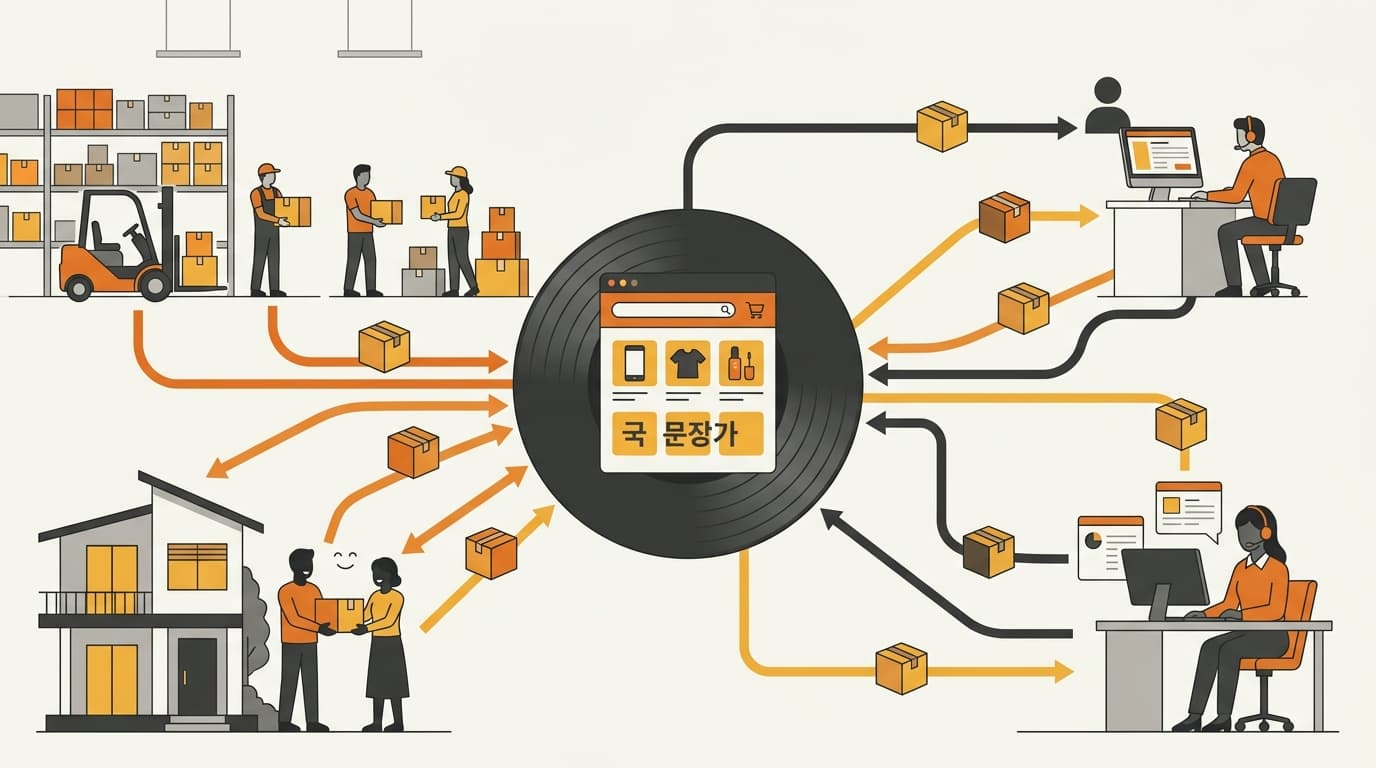
No. For operating purposes, Coupang split shipping is one customer order with multiple fulfillment events, not two independent orders or sales. Keep the original order reference as the parent and reconcile affected order lines, parcels, delivery events, claims, and refunds underneath it.
What Coupang’s two split-shipping flags actually mean
Coupang exposes two similarly named signals that answer different questions. ableSplitShipping means split shipping is possible for the order. splitShipping means split shipping has actually been processed. The first describes capability; the second tells you to look for the resulting fulfillment records.
The exact payload and status behavior should be checked against Coupang’s official Open API developer documentation for the endpoint and version your account uses. Do not infer more from a field name than the documentation supports.
ableSplitShipping means the order can be split for delivery. It is an eligibility or capability signal, not proof that Coupang has created multiple parcels.
splitShipping means split shipping has been processed for the order. Treat it as a trigger to reconcile the affected lines and parcel records, not as a new order number.
| Coupang signal | Operational reading | Correct next step |
|---|---|---|
ableSplitShipping | Split shipping is possible | Keep one parent order and wait for actual shipment or event data |
splitShipping | Split shipping has been processed | Capture the line-to-parcel relationship and monitor each fulfillment event |
Eligibility alone does not prove that multiple shipments exist. An order may be able to split and still move as one shipment. Your integration should not create a second order or child parcel merely because ableSplitShipping is present.
When splitShipping indicates that processing has occurred, inspect the associated item and delivery records. If the parcel details have not reached your system yet, use an internal “awaiting reconciliation” state. Do not guess that the order is fully delivered, fully missing, or financially complete.
A split-shipping flag is not a shipment count. Never use ableSplitShipping alone to duplicate an order, promise two deliveries to a buyer, or close fulfillment.
Build one parent order with multiple fulfillment records
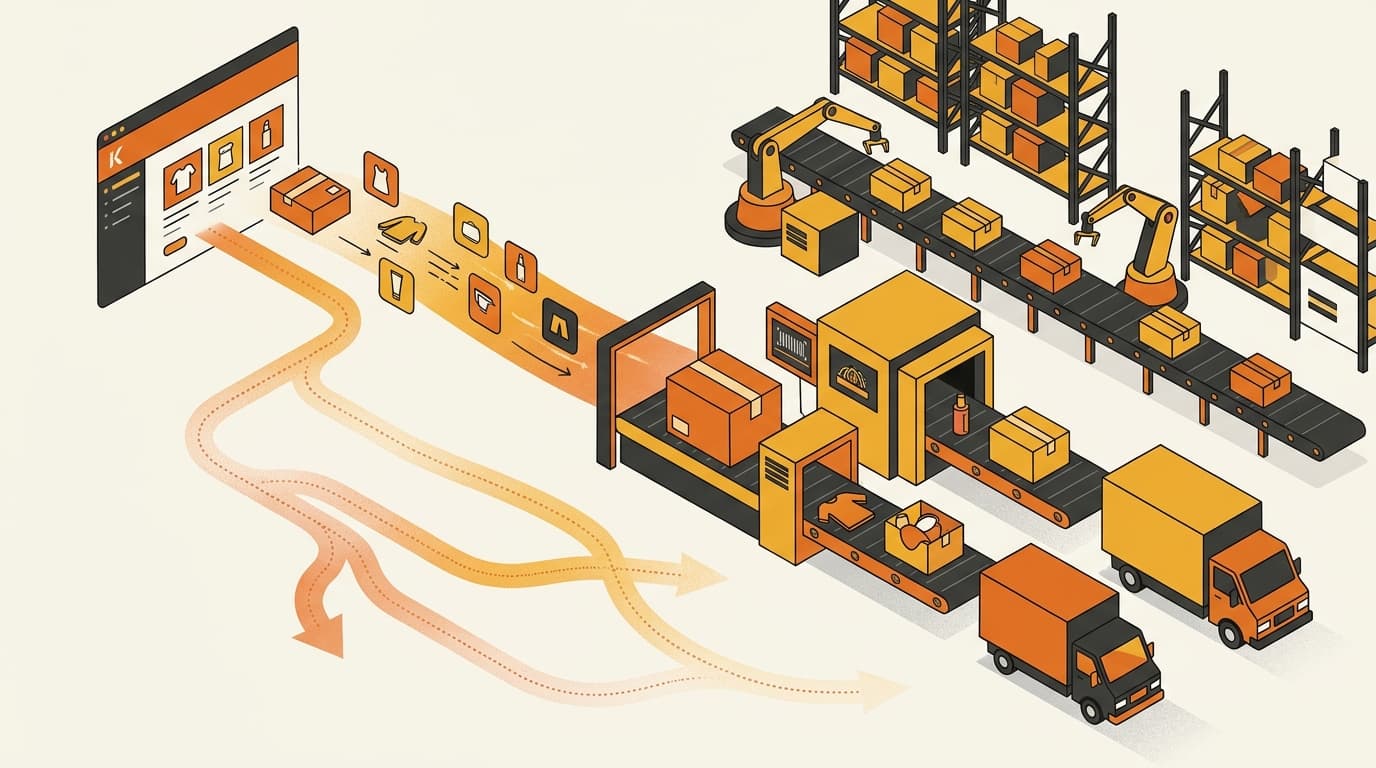
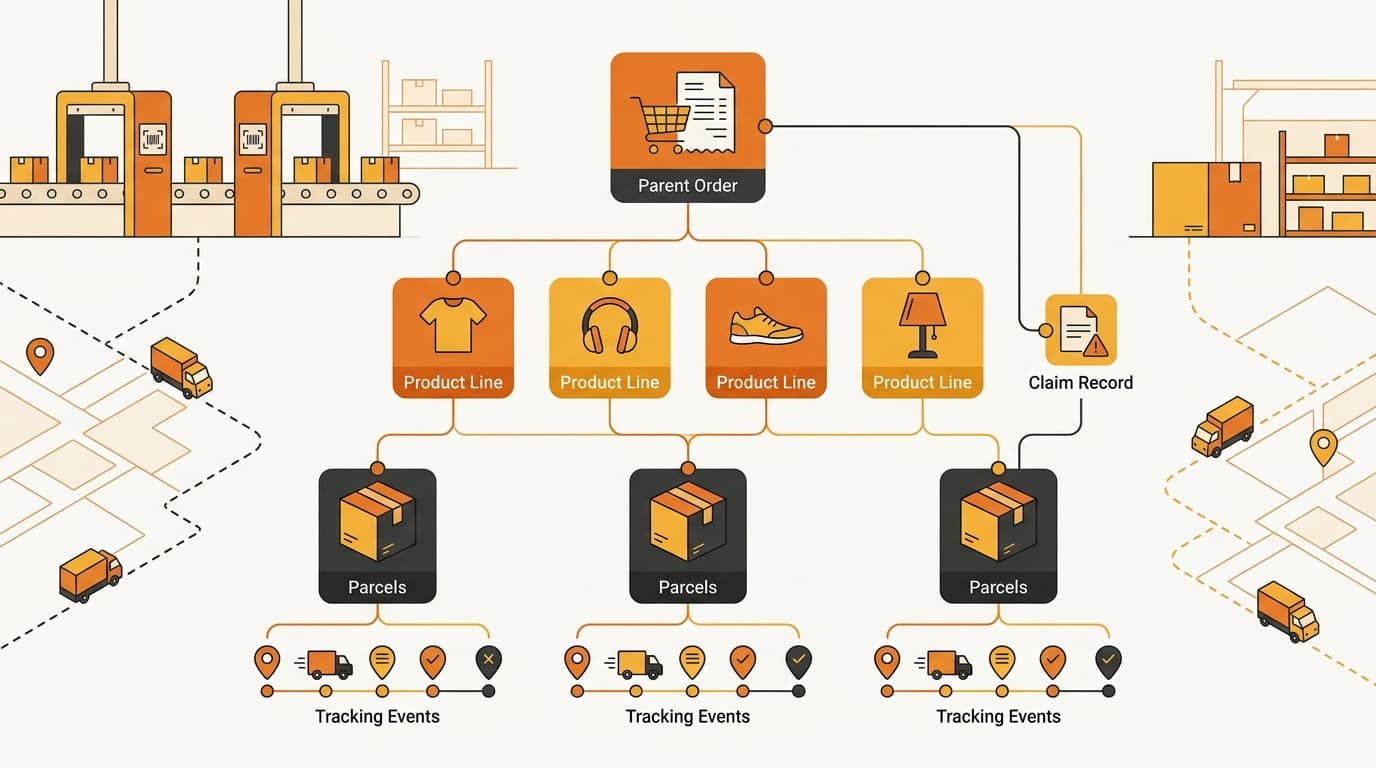
The safest data model is a parent-child relationship: one original Coupang order, followed by its affected order lines, parcels, delivery events, and claims. A parcel is a fulfillment record beneath the order, not a replacement for the order itself.
Use at least these records:
| Record layer | What to retain | Why it matters |
|---|---|---|
| Parent order | Original Coupang order reference and order-level context | Keeps the customer purchase and commercial total unified |
| Order line | SKU or variant, quantity, and the affected line reference | Identifies exactly which item is delayed, delivered, canceled, or returned |
| Parcel | Parcel or tracking reference and the lines assigned to it | Separates physical shipments without duplicating the sale |
| Dispatch event | The dispatch state for each affected line or parcel | Shows what has left fulfillment and what has not |
| Delivery event | The delivery state for each parcel | Prevents the first delivery from being mistaken for full-order delivery |
| Exception or claim | Affected line or parcel, claim reference, reason, and current state | Gives customer service and finance the same case to follow |
The relationship should be easy to trace in either direction:
one customer order → affected order lines → parcel(s) → delivery events → line-level claims or refunds
If your ERP or warehouse system requires a shipment object for each parcel, make those shipment objects children of the same parent order. Keep the original order total at the parent level. Do not copy the full commercial order into every parcel record, because that can duplicate sales, promotions, inventory movements, and refund exposure.
Retain the source event data as well as your normalized status. A current status tells you where an item is now; the event history helps explain why a customer received only part of the purchase, whether a claim followed a delivery exception, and which system changed the record. If several tools touch the same seller account, the connector design matters too; Coupang Open API: Can Two Systems Share One Seller ID? explains why separate direct interpretations can create conflicts.
Fulfillment: do not close the order on the first parcel
Your internal fulfillment status should be line-aware. The parent status should be derived from its child lines and parcels, rather than overwriting them when the first delivery event arrives.
A practical sequence is:
- Capture the original order and both split-shipping signals.
- Map every affected order line to its parcel or leave it explicitly unmapped for review.
- Record dispatch and delivery states at the parcel and line levels.
- Derive the parent state from all lines: partially fulfilled while some remain pending, and complete or resolved only when every line has been delivered or has a separate terminal outcome through Coupang’s supported workflow.
- Open an exception against the affected line or parcel when events conflict, stop progressing, or fail to map.
Consider a customer who buys item A and item B. Item A is dispatched and delivered first; item B is still in transit. The customer has one order with one delivered line and one unresolved line. The parent order should remain partially fulfilled or open in your operating system. It should not become fully delivered, and it should not trigger a full-order refund or return process.
The same logic protects inventory. A parcel record should move only the lines it contains. Creating a second order from the second parcel can cause the warehouse to reserve or deduct the same commercial order twice; collapsing all parcels into one status can leave the undelivered line looking complete. Keep line quantity, parcel assignment, and exception state separate even when the customer sees one order page.
Customer service and returns: diagnose the affected item first
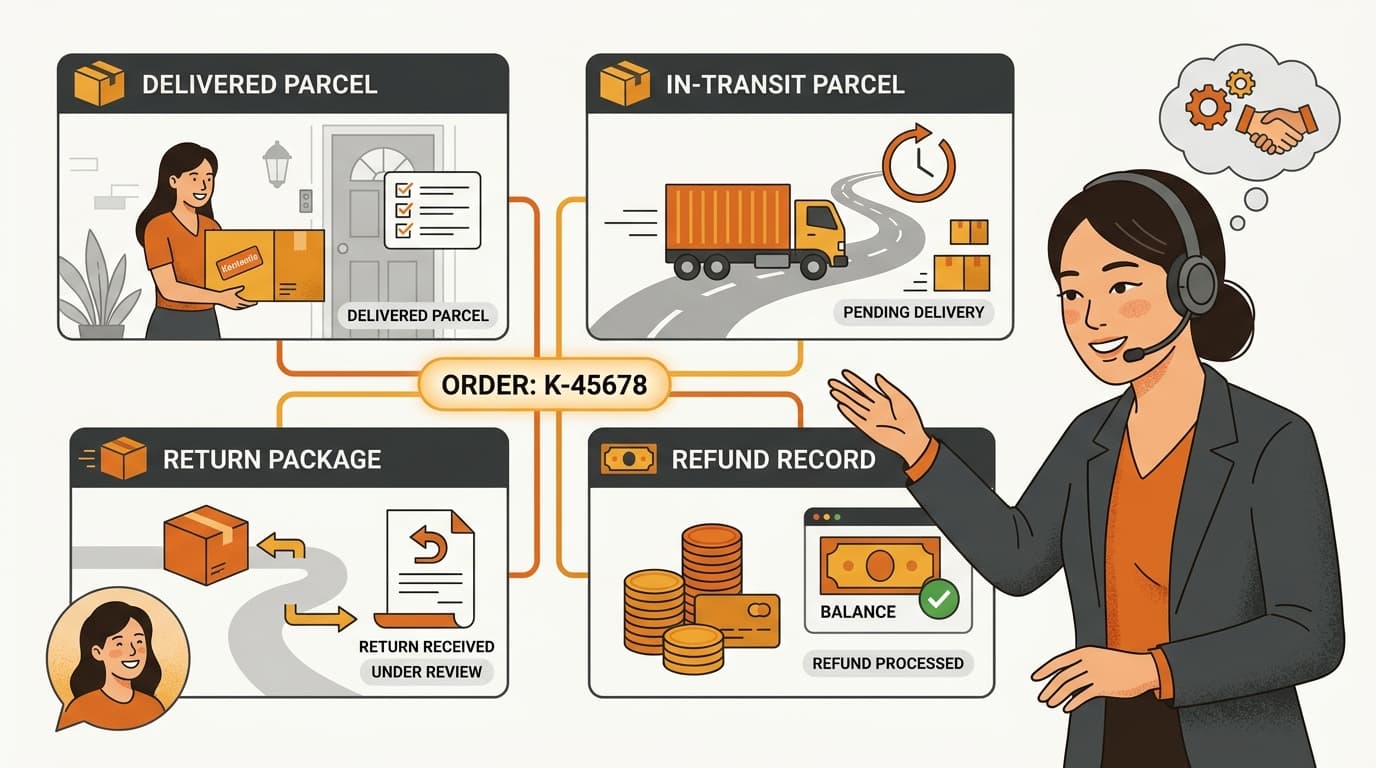
A buyer experiences a partial delivery, not a database relationship. Your Korean customer-service response should therefore identify the affected item and parcel instead of simply saying that the “order” is delayed or missing.
Before replying, check:
- the original order reference;
- the SKU, variant, and quantity the buyer says are missing;
- the parcel or tracking reference assigned to that line;
- the latest dispatch and delivery event for that parcel;
- the status of the other lines in the same order; and
- whether a claim, return, cancellation, or refund already exists.
The Korean response should then state which item has been delivered, which item is still in transit or has an unresolved exception, and what the next supported step is. Only describe the purchase as arriving in separate parcels when the actual split-processing and parcel records support that statement. ableSplitShipping alone is not enough to tell a customer that two shipments are on the way.
This distinction matters in a partial-delivery complaint. An item still moving through delivery is not the same operational case as an item with no usable delivery progress or a confirmed loss. Check the event record first, then follow the appropriate Coupang claim workflow. Do not offer a full-order cancellation, return, or refund simply because one parcel is late.
The returns record should preserve the same hierarchy. Link the return or claim to the affected item and parcel, retain its Coupang reference and state, and let the remaining lines continue through their own fulfillment path. Under Rocket Growth, the platform may handle the customer-facing return, pickup, and refund, but the returned unit and its disposition still need to map back to your order and inventory records; Who Handles Returns Under Coupang Rocket Growth? explains that operational boundary. A buyer refund can also be recorded before the physical return arrives, so treat the financial event and warehouse receipt as separate records; see Coupang Instant Refund: Why Buyers Get Paid Before Returns Arrive.
Settlement: reconcile the order and claim records, not the first delivery
Settlement is a control point for split shipping, not a parcel counter. Reconcile the financial outcome to Coupang’s order, claim, refund, and settlement records rather than inferring it from the first delivery event.
For each parent order, work through the records in this order:
- Confirm the original order reference and the lines purchased.
- Match each line to its dispatch, delivery, cancellation, or return outcome.
- Attach any parcel-level exception and claim reference to the affected line.
- Match sales, deductions, cancellations, and refunds to the relevant Coupang records.
- Confirm that the settlement result has been counted once for the order and adjusted only for the recorded line-level outcomes.
Two parcel references do not justify counting two sales. The opposite error is also common: treating the first delivered parcel as proof that all lines are financially resolved. If Coupang presents a deduction or refund at an order level, retain the source record and use the claim or line detail to allocate it internally where the platform supports that relationship. If the allocation cannot be established, flag it for review instead of assigning the same adjustment to every parcel.
The separate question of when Coupang recognizes a sale is covered in When Coupang Recognizes Your Sale as Revenue. For split-shipping operations, the practical rule is simpler: warehouse status, customer-facing delivery status, claim status, and settlement status must remain connected but must not be substituted for one another.
Pre-launch test: prove the order-to-parcel relationship
Test this before a live customer reports a partial delivery. Use a controlled multi-item order that your operating setup can legitimately process as a split shipment, and document the expected state before running it.
- Create a multi-item order with distinct SKUs or order lines that can be assigned to different parcels.
- Capture the original order reference, affected lines, and both split-shipping flags. Verify that
ableSplitShippingby itself does not create a second order or imply that multiple parcels exist. - Process the split through the supported Coupang workflow or test capability available to your account, then capture each parcel reference and its line mapping.
- Mark or observe the first parcel as delivered while the other remains in transit. Confirm that the ERP, warehouse view, and Coupang account keep the parent order open or partially fulfilled.
- Run a partial-delivery complaint through the Korean support process. Confirm that the response identifies the missing item, parcel, current status, and next action rather than treating the purchase as two unrelated orders.
- Test a claim or return for only the affected line. Verify that the claim, inventory disposition, and refund remain attached to that line and parcel, without automatically reversing the entire order.
- Reconcile the resulting sales, deductions, and refunds against Coupang’s order, claim, and settlement records. Confirm that the number of parcels has not changed the number of sales counted.
The test passes only if every team can start with the same original order reference and reach the same affected line, parcel, event, claim, and financial outcome. Save the raw source response and the expected internal status for each step; otherwise a later integration change can silently flatten a partial delivery into a completed order.
Common questions about Coupang split shipping
Does ableSplitShipping mean that two parcels already exist?
No. It means split shipping is possible. Look for actual processed split status and parcel-level records before telling the buyer that multiple shipments exist.
Does splitShipping mean I should create a second Coupang order?
No. Keep one parent order and create or update the child fulfillment records needed to track the affected lines and parcels.
Can I mark the whole order delivered when the first parcel arrives?
No. Update the delivered lines and leave the remaining lines open, in transit, or in exception status until they reach their own supported outcome.
Should a late parcel trigger a full-order refund or return?
Not automatically. First determine whether the parcel is still in transit or genuinely missing, then follow Coupang’s supported claim workflow for the affected item or shipment.
How should finance reconcile a split shipment?
Use the original order, line outcomes, claim records, and settlement records together. Count the purchase once, map adjustments to the affected line where possible, and do not infer the financial result from the first delivery event.
Need to test your Coupang order model?
Contact Kontactic to review how your order, parcel, claim, and settlement records should connect before a split-shipping case reaches a customer.
About the author
Korean and global e-commerce operators with 15+ years of cross-border experience, led by CEO Isaac Lee — KOTRA-certified consultant and official lecturer for Seoul City and the Korea Customs Service. We run Korea market entry for Western brands every day; this blog documents what we learn in the field.
More about Kontactic →Related Articles
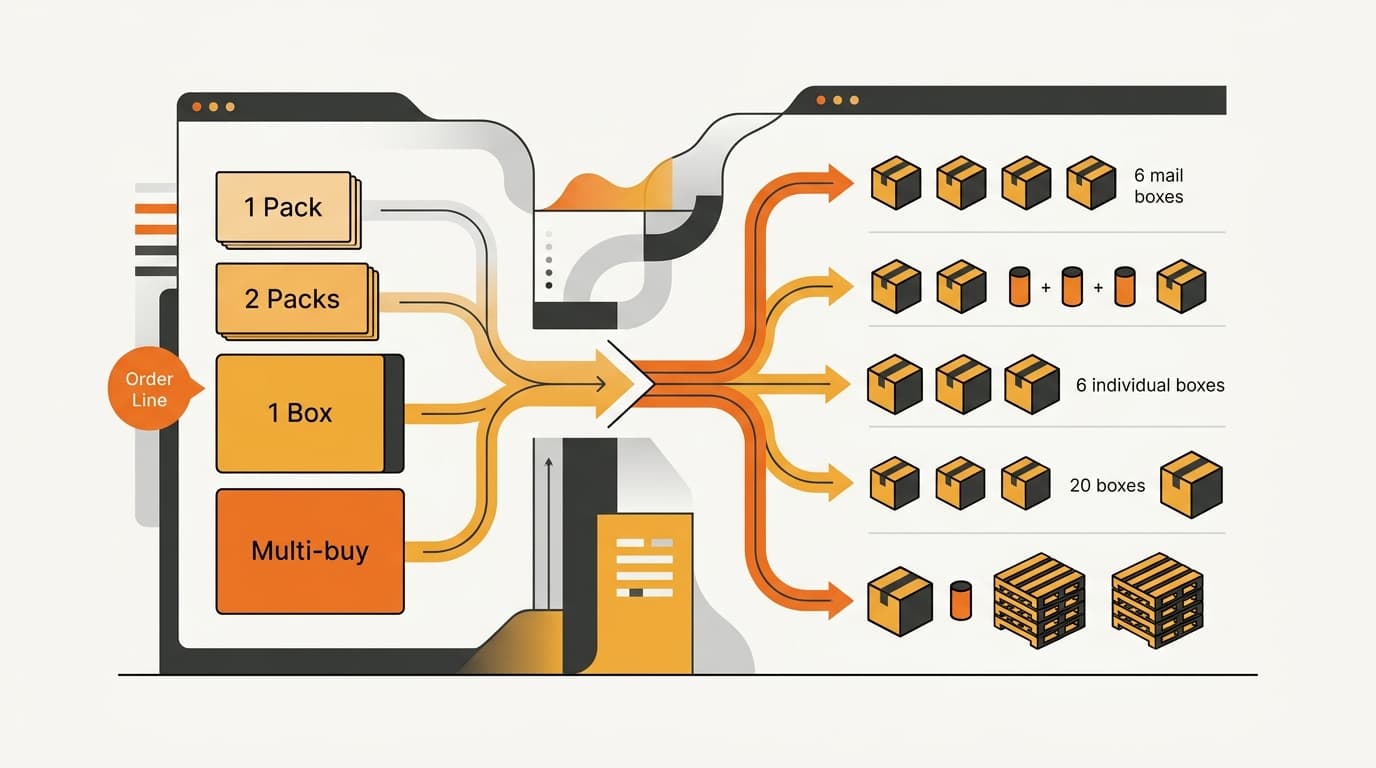
Coupang Order Lines: One Line Is Not One Unit
A Coupang order line can represent a generated quantity option, so your connector must map it to a base SKU and physical quantity before stock movement.
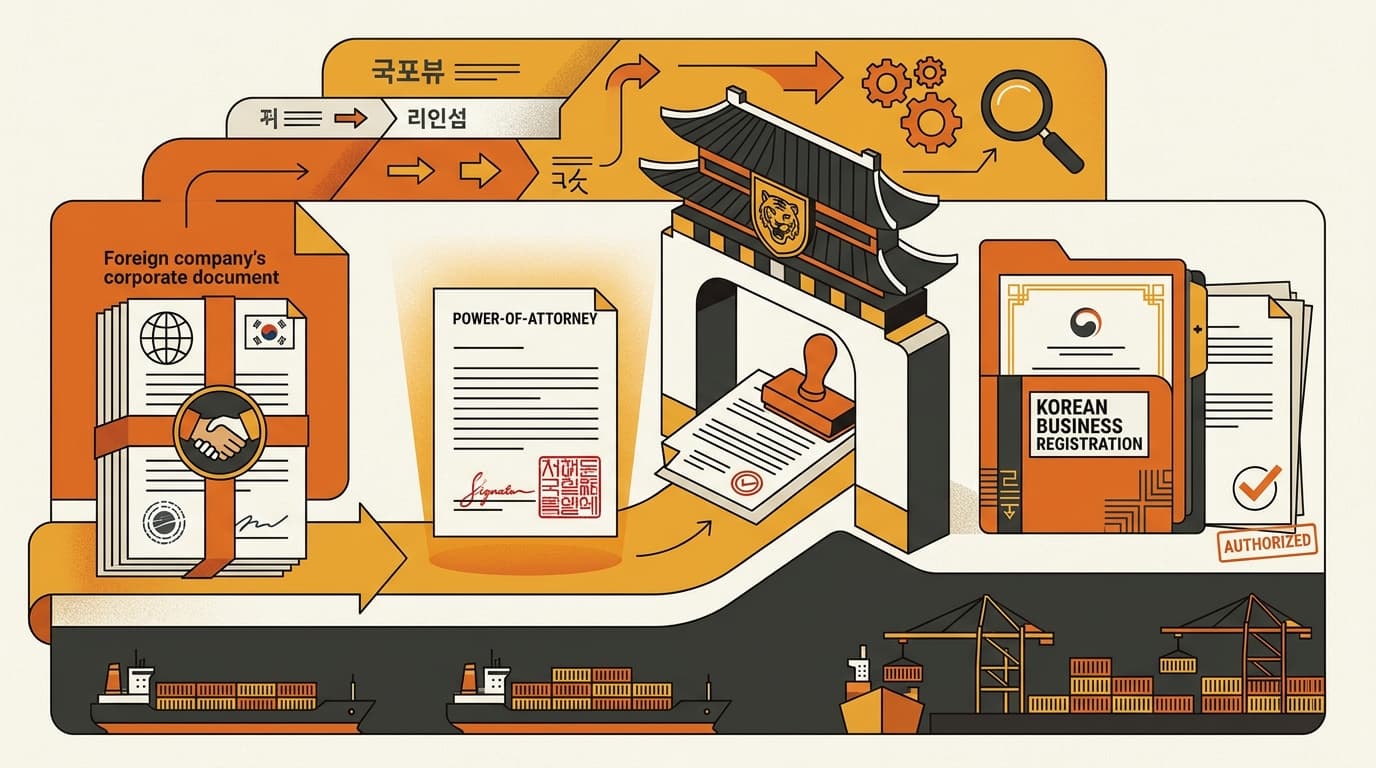
Korean Importer Registration: Why a POA Is Not Enough
A power of attorney cannot establish Korean importer registration; corporate-authority proof and Korean importer records are still required for the filing.
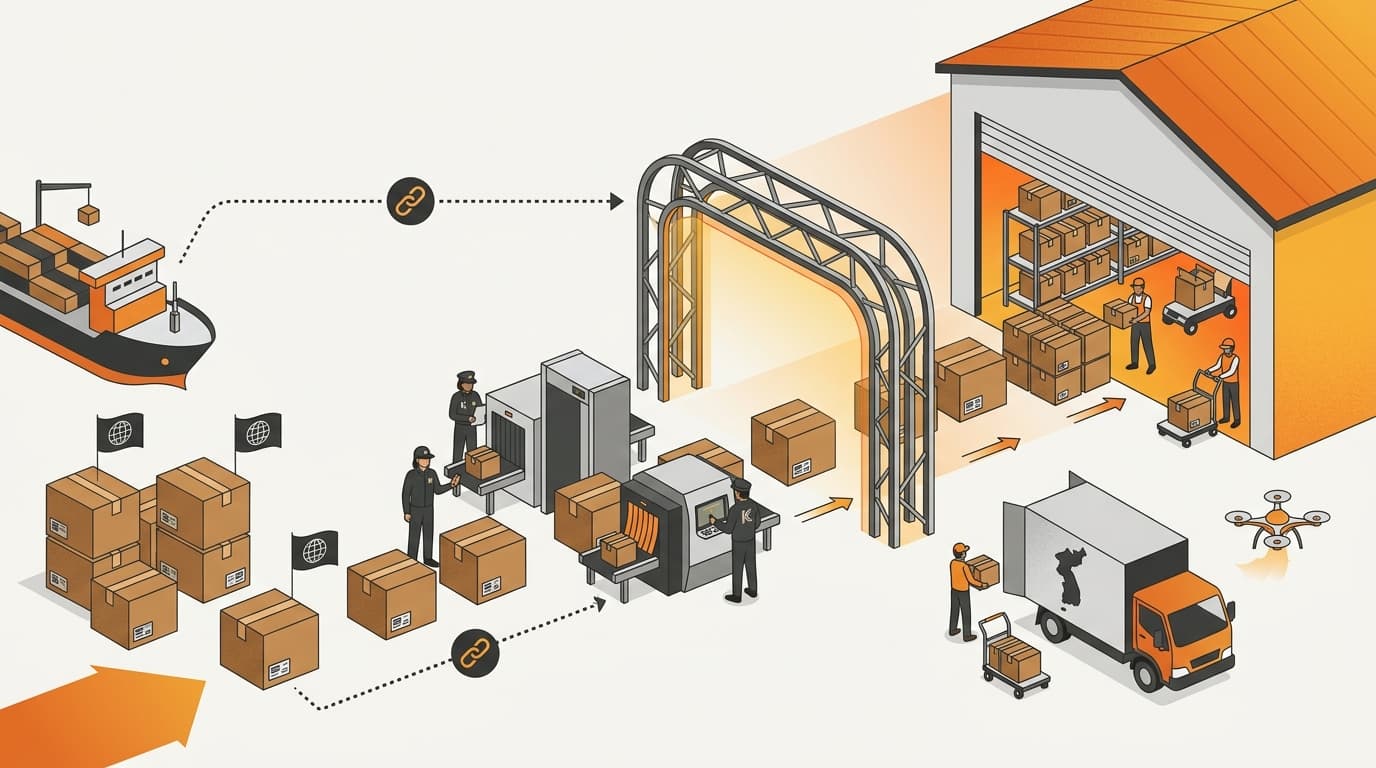
Can You Delay Korea Import Duty on Consignment Stock?
No. Korea import duty and import VAT are normally assessed when consignment stock is cleared for domestic circulation, not when a Korean customer buys one unit.