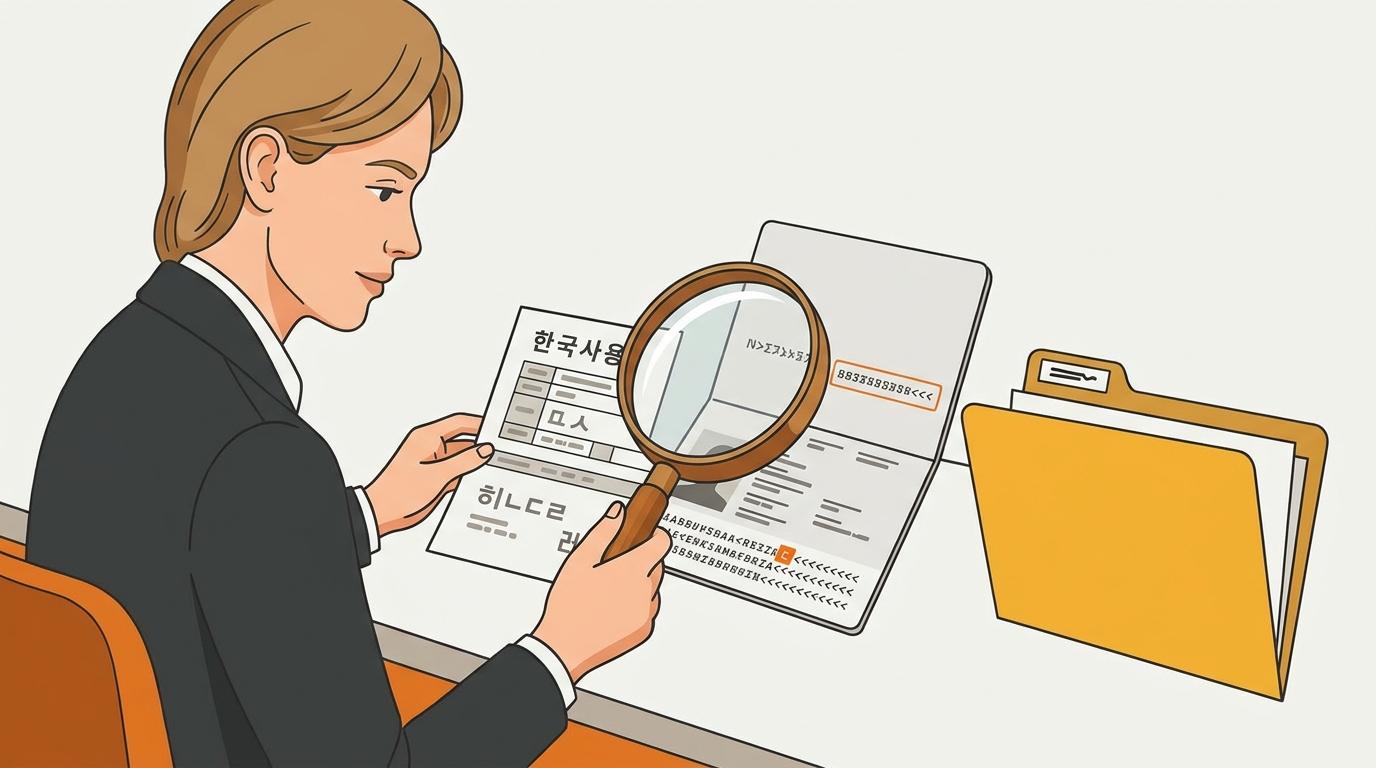
Kontactic Can Catch Wrong Passport Numbers Before Filing
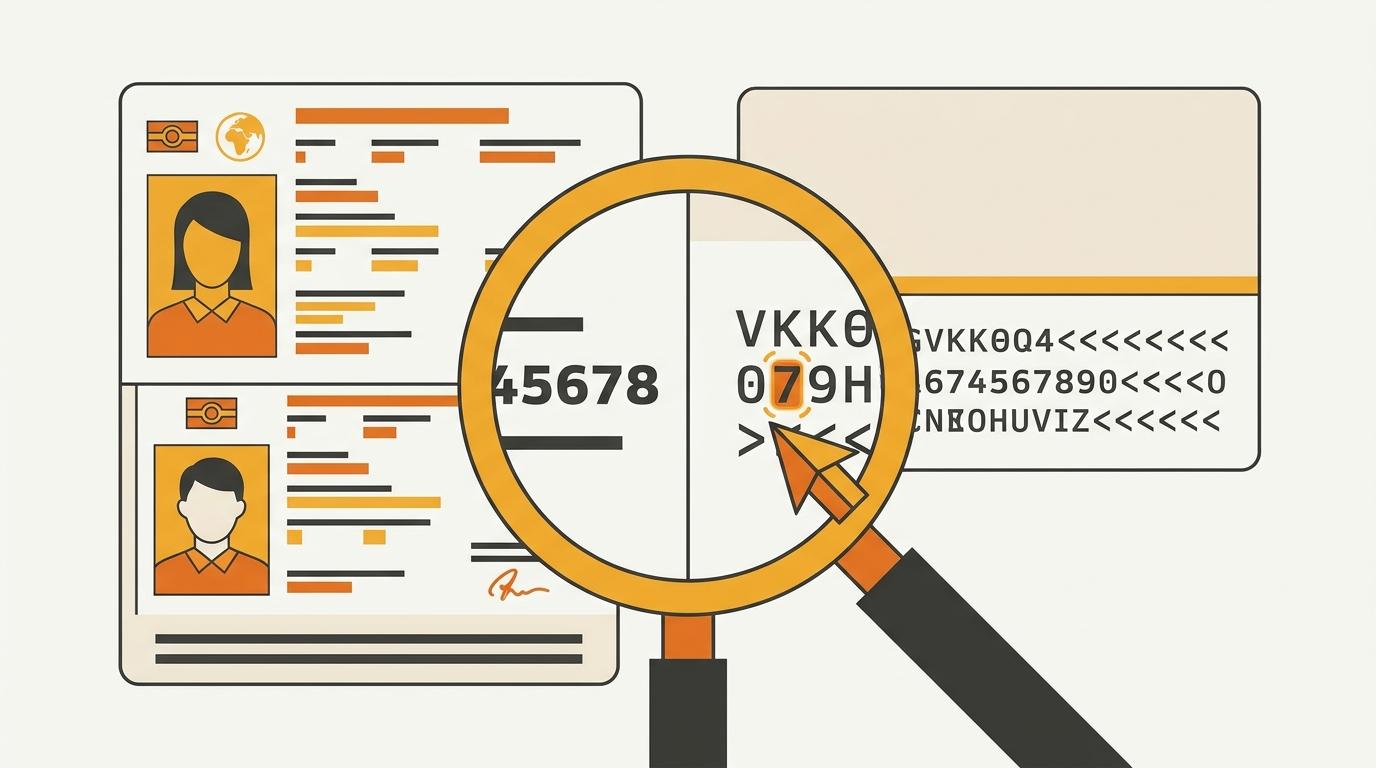
Kontactic can catch a wrong passport number before Korean filing. It compares the number in your scan with the same number in the passport’s machine-readable lines, the two coded lines on the page. If the readings differ, you can correct the application before filing.
Here is a practical example. A seller supplies a passport scan, but one character in the passport number is read incorrectly. The two coded lines on that passport show a different character. Kontactic identifies the disagreement, so the corrected number can go into the Korean company application instead of the first reading.
The problem starts with a small reading error
The seller’s first step is simple. They supply a passport scan as part of the Korean company application.
A clear scan can still produce a wrong reading. Some passport characters look alike when an image is converted into application data. If one character is copied incorrectly, the wrong number can enter the company paperwork before anyone notices.
That small error matters. One wrong character in a passport number can send incorporation paperwork back for correction. This does not mean the seller supplied the wrong person’s document. It means one detail from the correct document was copied incorrectly.
In the example above, the scan looks complete, but one character does not match the character in the passport’s coded lines. If the first reading is treated as final, the wrong character may enter the application. The issue may appear only after the paperwork is checked and returned for correction.
Kontactic adds a check while the application is still being prepared. The seller or headquarters team can review the passport and correct the application data before the paperwork is sent for filing.
The timing matters. A disagreement appears during preparation, not after the filing comes back for correction.

How the two-read passport check works
The check looks at one passport number in two places. It does not require the seller to provide a second passport.
- The seller supplies a passport scan with the Korean company application.
- Kontactic reads the passport number from the scan.
- It reads the passport number from the machine-readable lines, meaning the two coded lines printed on the passport page.
- It compares the two readings.
- If visually similar characters do not match, it identifies the number for correction before the filing uses it.
The machine-readable lines provide a second version of the number from the same passport. They are not a new source document. The seller’s team can check both views against the passport itself.
This answers one narrow question: do both places show the same passport number? It does not decide which number looks more believable. When the readings differ, the passport must be checked before the application uses the number.
A single scan reading can look like a complete number while hiding one similar character. Two readings create a clear point for review. The seller or headquarters team checks the passport and confirms the character before correcting the application.
What changes for you as the seller
You still supply the passport scan for the Korean company application. Before filing, Kontactic checks the number instead of accepting its first reading as final.
If the two readings match, there is no passport-number disagreement for the team to correct. If they differ, the seller or headquarters team has a specific character to review.
The practical steps are:
- Provide the passport scan for the company application.
- Review the passport if the scan reading and machine-readable lines do not match.
- Confirm which character appears on the passport.
- Correct the application data before the filing uses the number.
Do not resolve a mismatch by choosing the number that seems more likely. Use the passport itself to check the character. Then enter the confirmed number in the application.
This gives the seller and headquarters team a clear step for checking the number before the application is submitted.
Kontactic checks the number before filing. If it is wrong, you can fix the application before the filing is sent back for correction.

What this check does—and does not—mean
The check does three specific things:
- It reads the passport number from the supplied scan.
- It compares that reading with the number in the passport’s machine-readable lines.
- It identifies a mismatch for correction before the filing uses the number.
It does not mean that one passport-number match confirms every detail in the Korean company application. You still need to provide the correct passport scan and review the other information being prepared.
It also does not change the passport itself. Kontactic identifies a disagreement. The seller or headquarters team checks the document and corrects the application.
This check does not promise that the filing will never need correction. It checks the passport number before a wrong character can send the paperwork back.
This check covers the passport number. You still need to provide the correct passport scan and review the other details in the Korean company application.
Common questions about passport-number checks
Does a matching passport number mean the whole company application is ready?
No. It means this comparison found no disagreement between the two readings. Other company-application details still need their own review.
Does the feature correct the passport itself?
No. It identifies a mismatch in the application data. The passport remains the source document, and the seller or headquarters team confirms the number before correcting the application.
Check your Korean company application
Contact Kontactic to discuss how the passport-number check fits into your Korean entity setup.
About the author
Korean and global e-commerce operators with 15+ years of cross-border experience, led by CEO Isaac Lee — KOTRA-certified consultant and official lecturer for Seoul City and the Korea Customs Service. We run Korea market entry for overseas brands every day; this blog records what we learn in the field.
Meet the Kontactic team →Related Articles

Korean Sales Agency: Whose Business Address Is Used?
If a Korean sales agency runs your store, its address is not automatically yours. The legal seller, importer, and account holder set the address shown locally in Korea.
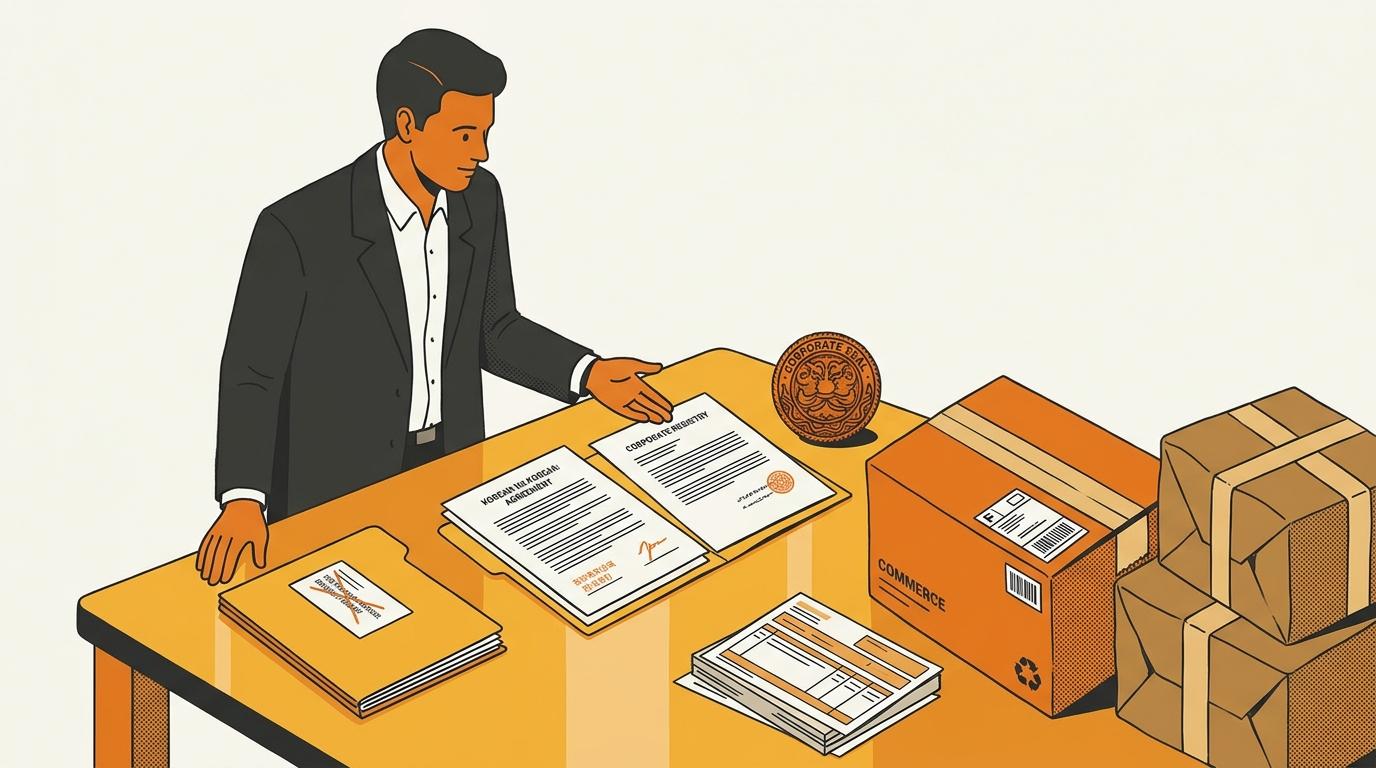
How to Change a Korean Company's Office Address Step by Step
Changing a Korean company's registered office takes more than a lease. Follow approval, registry, tax, bank, Coupang, customs, and fulfillment updates in order.
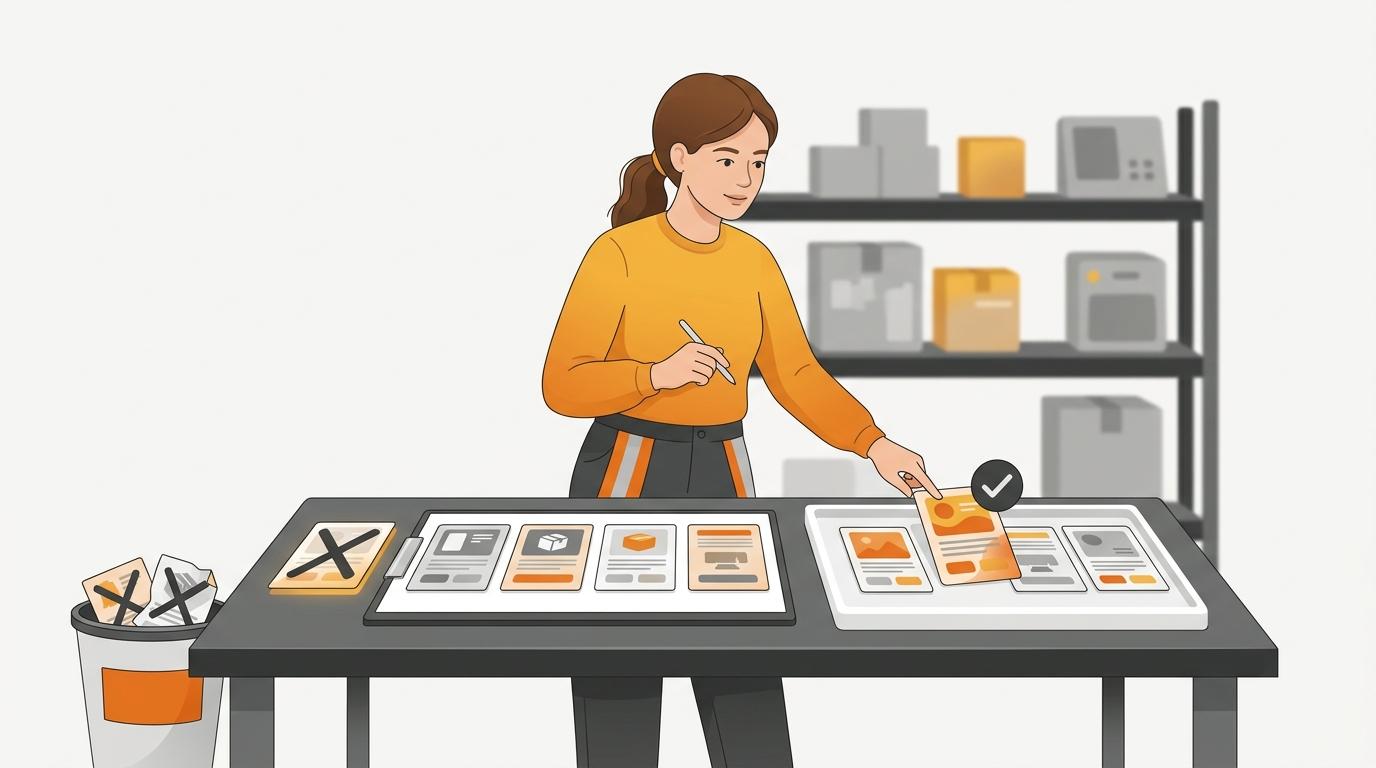
Coupang Inbound: Can a Later Product Replace a Rejected Sample?
Yes—after a grouped Coupang inbound label submission is rejected, a product that qualifies later can appear among the replacement choices during correction.