Self-Serve KC Certification: Track, Fix, and Re-File Cases
The Kontactic Seller Center shows the live status of each SKU's KC certification case, so you can see exactly where the filing stands, what's blocking it, and what you can fix yourself. You can re-file a rejected case without deleting the original record, self-issue the KC display mark you need for your listing, and correct document problems that would normally stall the case invisibly. Most delays in Korean certification aren't the test itself — they're the dead time waiting for status updates.
That dead time is the point. For a Western brand going local in Korea, certification is where launches quietly stall, and the reason is almost never the standard itself. It's the visibility. A rejected test report or a locked lab PDF can freeze a product for weeks while nobody is quite sure whose move it is. The Seller Center shows you the live status, registration result, and correction history of each certification case — so you're not waiting for email updates to know what's stuck.
Why KC certification visibility decides your launch date
Korean certification — the KC mark and the category-specific approvals that sit under it — is the single most common place first-time entrants lose time. Not because the requirement is unusually strict, but because the process is opaque in exactly the way that hurts. You submit a packet, you wait, and if something is wrong you often find out through a terse rejection that doesn't tell you how to fix it in place.
Western brands are used to compliance that runs on "we'll email you." That model breaks down across a language gap, a time-zone gap, and a lab-report format most founders have never seen. The failure mode is silent: the filing is stuck, but nothing on your screen says so, so you assume it's moving.
The difference between a two-week delay and a two-month one is almost always whether the brand could see the blocker and act on it. When a rejection is visible with its result attached, you correct it and move on. When it's buried in a thread, it waits for the next status call.
Certification case. In the Kontactic Seller Center, a certification case is the live, per-SKU record of a product's KC and category approval — its current stage, its registration result, its KC display status, and every correction and re-submission made along the way. It stays with the product through its lifecycle, not just its first filing.
If you want the underlying cost and calendar picture that this visibility sits on top of, our KC certification cost and timeline guide walks through the 4–8 week testing reality. The workspace doesn't shorten the test — it removes the dead time around it.
What the per-SKU case view actually shows
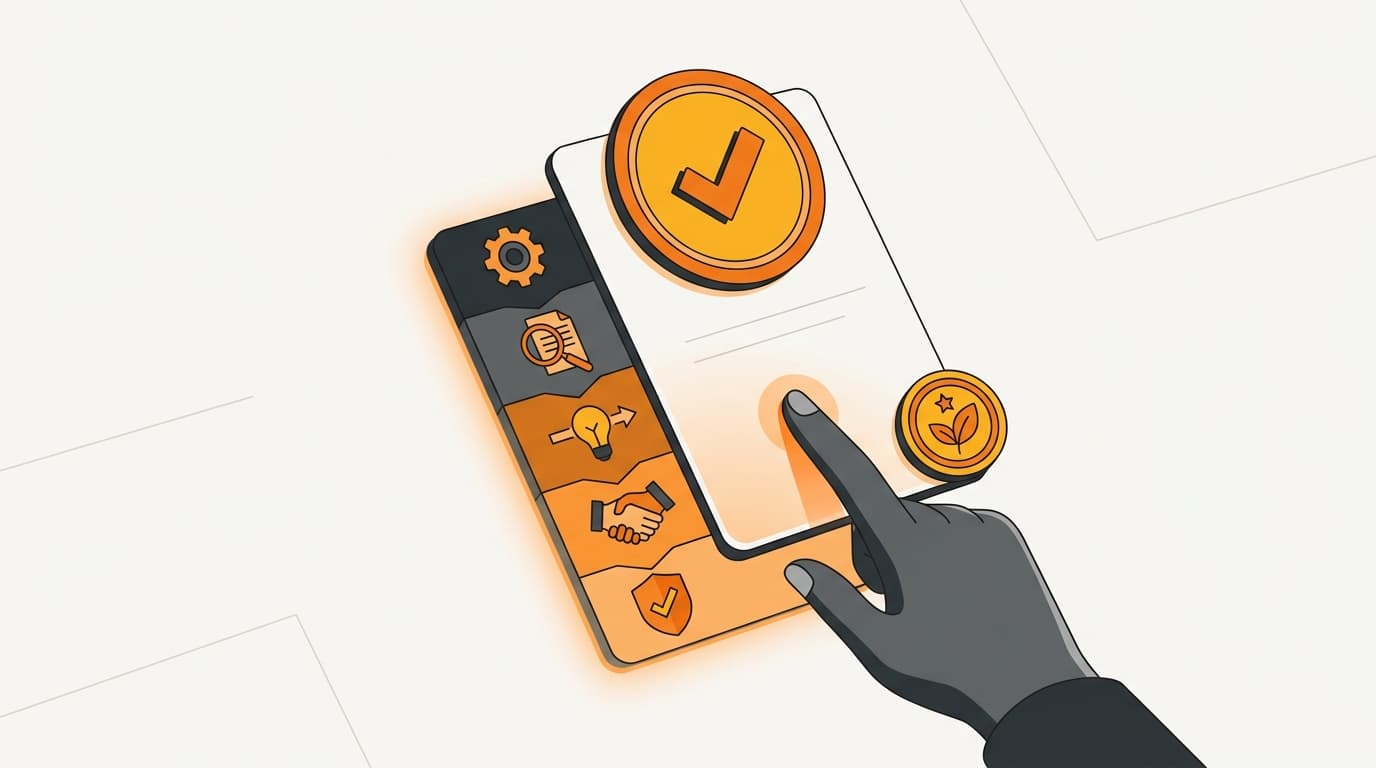
Click into any product and you get its certification state in one place. Three things sit together on the same screen, which is the whole trick:
- Current stage. Where the case is right now in the certification workflow — in progress, submitted, returned, completed.
- Registration result. The actual outcome of the filing, attached to the case, so a rejection or an approval isn't a sentence in an email — it's a record you can open.
- KC display status. Whether the product has a compliant KC mark ready to go on the listing, and the artwork to do it.
The value here is not the individual fields. It's that a founder, a head of international, or an e-commerce lead can answer "what's blocking this launch?" without chasing anyone. In our experience, that single question — asked ten times across a catalog — is where the calendar actually slips. When the answer is on screen, the slip disappears.
This is also how certification stops being a black box for the brand and starts being shared context between the brand and the operator. We're both looking at the same case. Nobody is transcribing a status update into a spreadsheet.
Re-filing a KC case without starting over
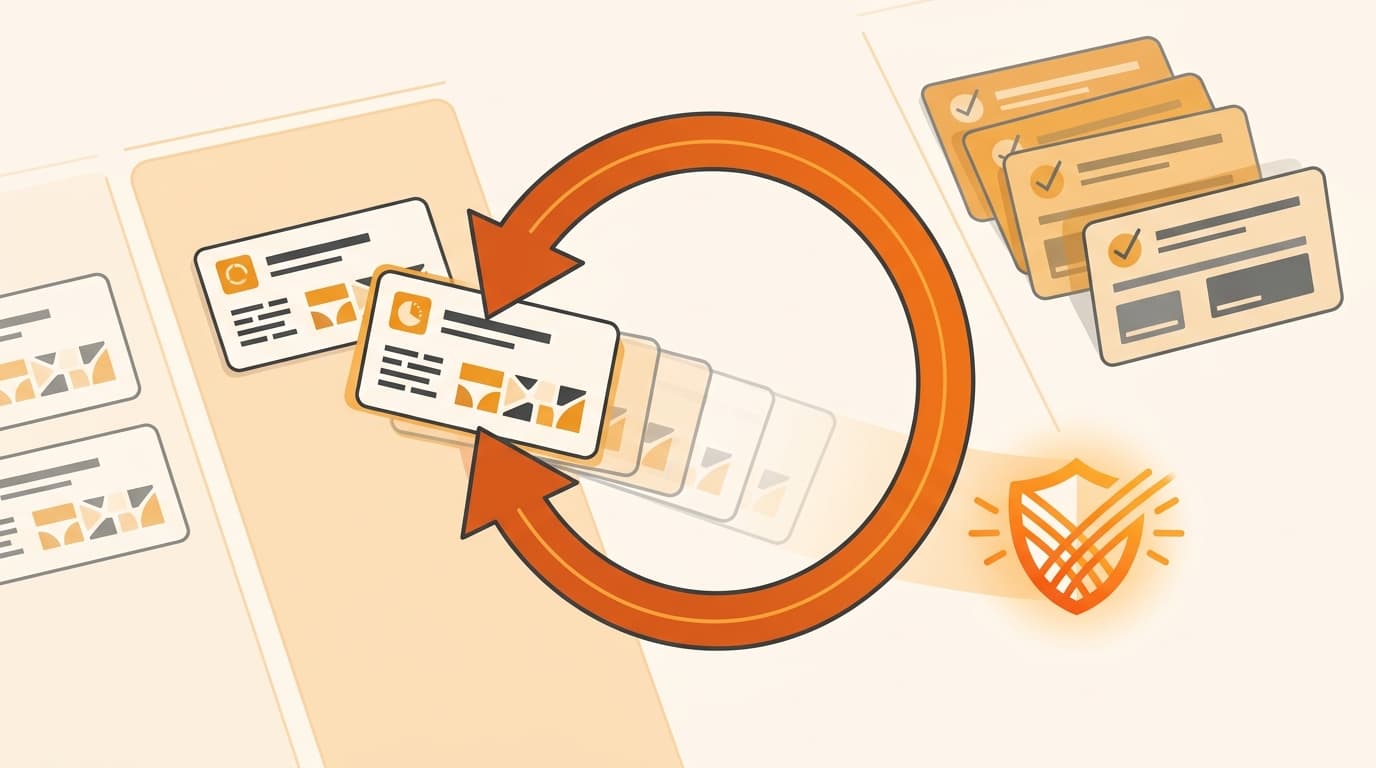
A completed or rejected case can be moved back into "in progress" and corrected from the start — and the original record and its history stay intact.
That sounds small. It isn't. The default in most compliance processes is destructive: a rejected filing means you rebuild the packet, re-attach the documents, and re-submit as if the first attempt never happened. You lose the trail of what was tried, and you lose the context of why it failed. On the next rejection, you're guessing.
Here, re-filing is a state change, not a deletion. The case reopens, you correct the specific thing that was wrong — a mismatched document, a missing report, a value that didn't line up — and you re-submit. The prior attempts remain visible, so the correction is informed by what already happened rather than blind.
“A rejected filing shouldn't cost you the packet. Reopen the case, fix the one thing that was wrong, and re-file — the history stays with the product.”
Kontactic Team — Kontactic Seller Center
Because the case persists across the product's lifecycle, this matters well past launch. Certifications get revisited — a spec changes, a report expires, a category rule shifts. Treating the case as a living record means the second and third filings inherit everything the first one learned.
Self-issuing the KC display mark
Once a case reaches the point where the product is cleared to display the KC mark, you can generate the compliant mark artwork directly from the case view.
This closes a gap that trips up a surprising number of brands. Passing certification and putting the correct mark on your listing are two separate steps, and the second one has its own rules — the mark has to be the right form for your product's regime. Rather than sending you off to design something and hoping it's compliant, the workspace issues the artwork you're actually entitled to, tied to the case that authorized it.
The practical effect is that the transition from "certified" to "listed" doesn't introduce a new stall. The mark comes from the same place as the certification, so there's no handoff where the artwork and the approval drift apart.
Handling locked lab reports and other document friction
Certification filings live and die on documents, and the documents fight back. The most common quiet failure we see is a password-protected or encrypted test report from a lab — a perfectly valid PDF that a filing pipeline can't read, so extraction silently breaks and the case stops moving with no obvious reason why.
The Seller Center handles this by decrypting locked PDFs before extraction, so a password-protected lab report doesn't quietly kill the filing. What would otherwise be a mystery — "the case looks stuck and I don't know why" — becomes a non-event.
Locked PDFs are handled automatically before extraction, so an encrypted lab report doesn't silently stop the case. A case view is only trustworthy if the cases actually flow through it. Removing the document-format landmines is what keeps "in progress" honest.
A locked or encrypted lab report is one of the most common silent blockers in a Korean certification filing. If your certification tooling can't read the PDF, the case doesn't fail loudly — it just stops. Confirm your report format is machine-readable, or that your operator decrypts it for you, before you assume a filing is moving.
How self-serve KC certification tracking closes visibility gaps
Self-serve certification is one checkpoint in a sequence, and its value comes from being connected to the others. Certification tells you a product is legally allowed into Korea. It doesn't, by itself, get the product onto the dock or make you the party accountable at customs.
Two adjacent steps complete the picture:
- Inbound verification. Before stock reaches the Rocket dock, Coupang runs a label and certification review at the desk. A clean certification case is what lets that check pass on the first try instead of bouncing your shipment.
- Importer of Record. Someone Korea-resident has to be accountable to customs for the goods. If you're weighing who that is, who the Importer of Record is when you sell on Coupang is the sequencing question that sits right beside certification.
The reason to keep these visible in one workspace is ownership. At any moment a brand should be able to see what's blocking a launch and who owns the next step — whether that's a certification correction the brand can make itself, a document the lab still owes, or an IoR decision. When certification is a shared, living case rather than an email thread, the "who owns this" question answers itself.
Common questions
Can I re-file a rejected KC case myself, or do I have to resubmit everything? You can move a completed or rejected case back into "in progress" and correct it from the start. The original record and its history are preserved, so you fix the specific problem rather than rebuilding the whole packet.
Where do I get the KC display mark for my listing? From the case view. Once a product is cleared to display the mark, you can self-issue the compliant artwork directly, tied to the case that authorized it — no separate design step.
What happens if my lab sends a password-protected test report? The Seller Center decrypts locked PDFs before extraction, so an encrypted lab report doesn't silently break the filing. This is one of the most common silent blockers in Korean certification, and it's handled automatically.
Does certification tracking mean I've handled everything to launch? No. Certification is one checkpoint. You still need inbound verification to pass at the Coupang desk and an Importer of Record accountable to customs. The workspace keeps all three visible so you always know what's blocking a launch and who owns the next step.
Is the case only visible during the first filing? It's a living record for the product's lifecycle. Results, corrections, and re-submissions stay visible over time, so revisiting a certification later inherits everything the earlier filings learned.
See your certification status, not an email thread
See live KC certification status, hidden blockers, and next steps in one workspace. Talk to Kontactic about self-serve certification tracking in the Seller Center — with inbound verification and IoR in the same flow.
About the author
Korean and global e-commerce operators with 15+ years of cross-border experience, led by CEO Isaac Lee — KOTRA-certified consultant and official lecturer for Seoul City and the Korea Customs Service. We run Korea market entry for overseas brands every day; this blog records what we learn in the field.
More about Kontactic →Related Articles
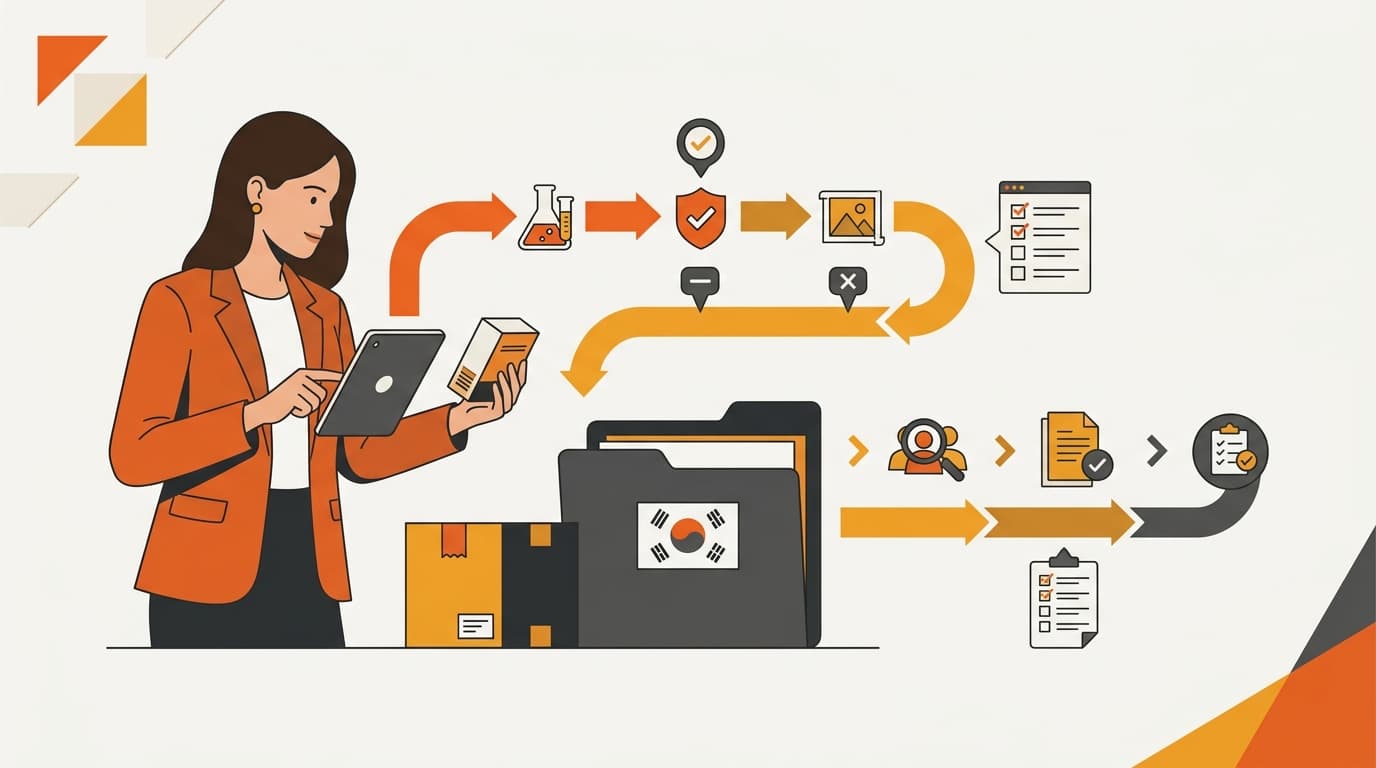
Does My Korean Importer Need a License for This Product?
A Korean importer may need a license or permit even when product documents are complete. Seller Center separates the two checks and lists what to prepare next.
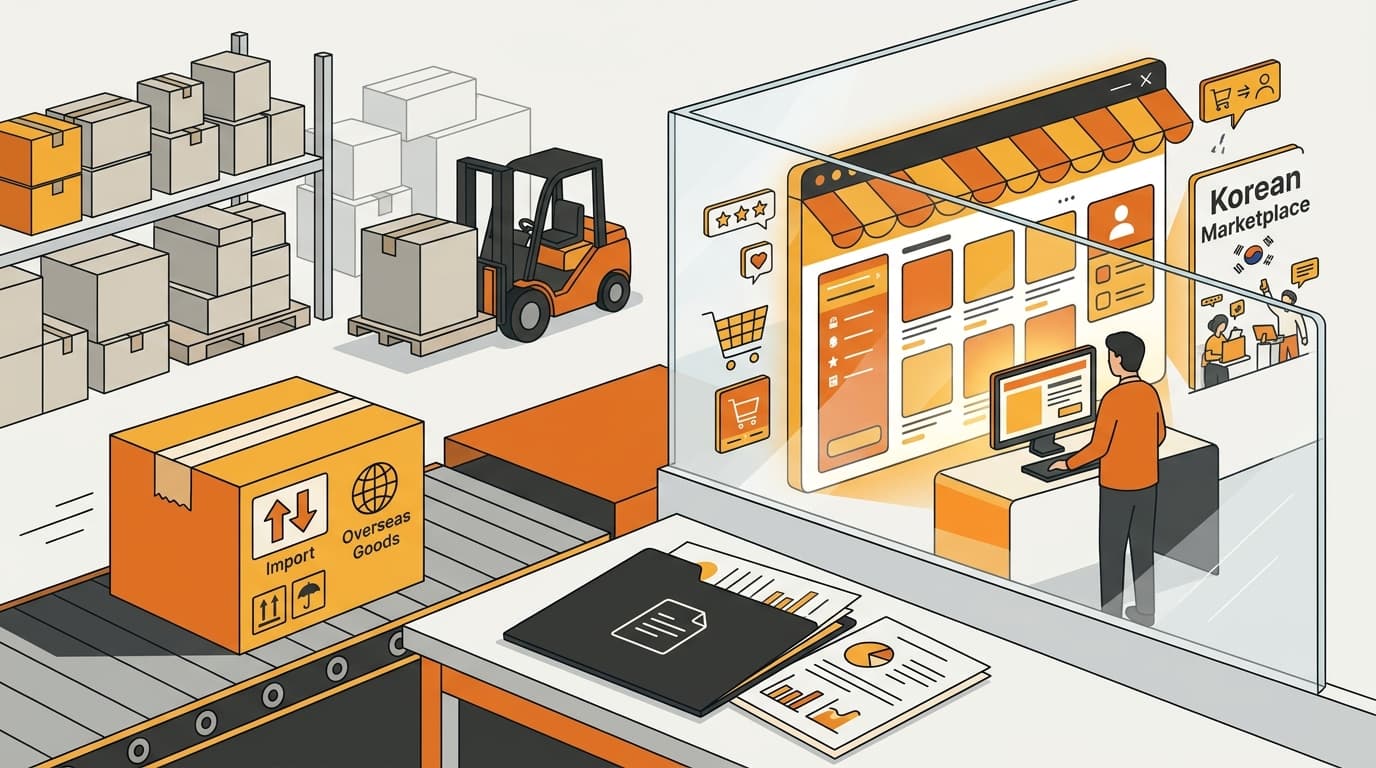
Import a Product Into Korea, But Can't Sell on Coupang?
Importing a product into Korea does not guarantee Coupang sales. Learn how SKU review separates import permission, online-sale rules, and importer permits.

What Happens After Your Korean Coupang Page Is Finished?
After your Korean Coupang page is finished, see the real page, follow the same instructions in Seller Center and email, and get reminders only if needed.