
Can I Upload Korean Registration Paperwork as One PDF?
Yes. After your Korean entity is registered, your overseas headquarters (HQ) can upload the completed registration packet as one PDF in Kontactic Seller Center. You do not need to split the packet into separate files before uploading.
One upload can fill several checklist items.
Start with one completed packet, not page-by-page files
Your local provider or legal agent may scan all the pages together. The file may arrive as one bundle, not as separate documents.
Send the completed packet in the form you receive it. It can contain:
- the Korean registration certificate;
- the registration-tax payment confirmation; and
- supporting pages that belong to the registration or transfer paperwork.
Seller Center uses an item in the registration checklist for each required document or page. In this article, we call each one a checklist item.
You do not need to create a separate PDF for every page before uploading. You also do not need to sort the pages into checklist items before sending the packet.
Here is a practical example. HQ receives one scan after the Korean entity registration is finished. The registration certificate appears first. The registration-tax payment confirmation appears among the other pages. Supporting pages follow. HQ can upload the scan as one complete packet.
The registration packet itself does not need to be rebuilt into separate files just to fit Seller Center.

What Seller Center does with the one PDF
After HQ uploads the packet, Seller Center handles it in three steps.
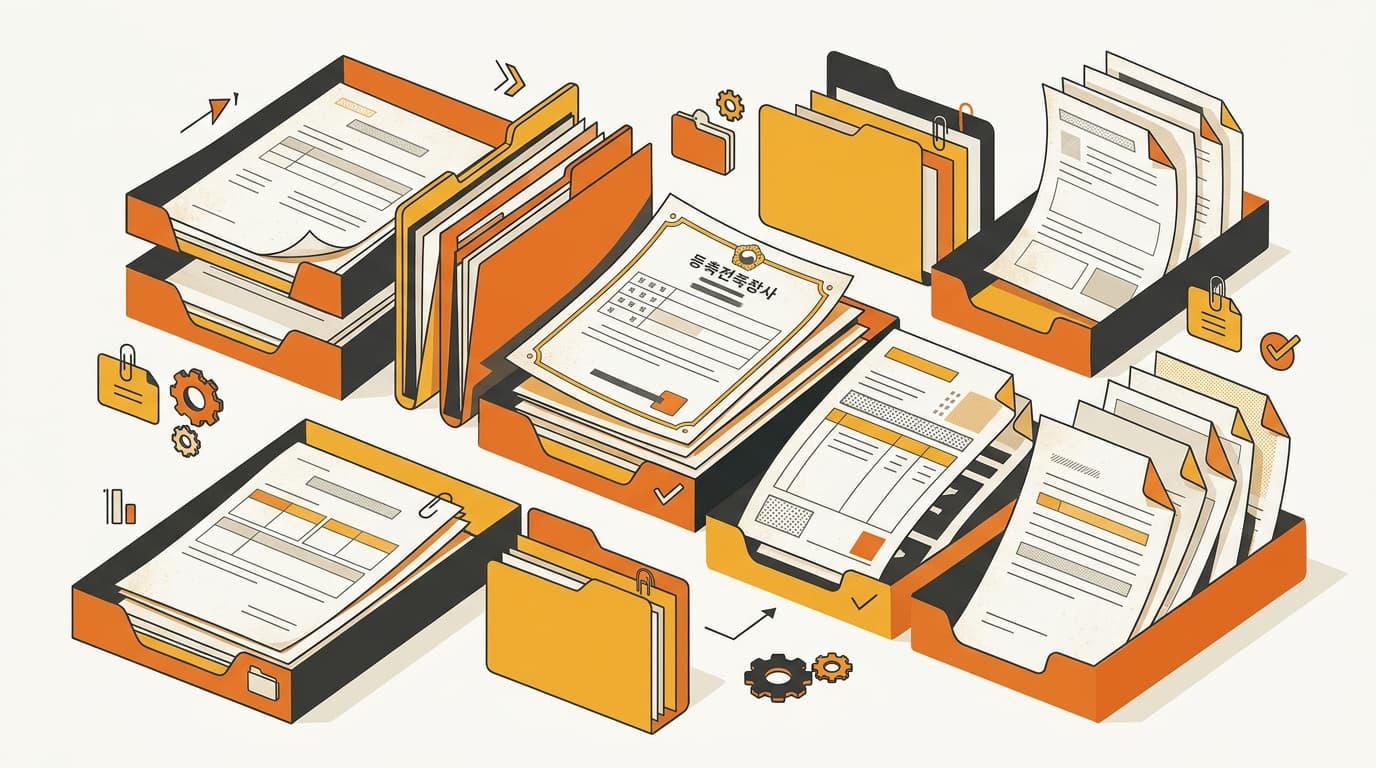
- It separates the pages. The single PDF is split into individual pages for review.
- It reads the pages. Seller Center checks what each page contains.
- It places each page with the matching checklist item. The registration certificate goes with its checklist item. The registration-tax payment confirmation goes with the checklist item that needs it. Supporting pages go with their matching checklist items.
A local operator may recognize each Korean page quickly. An overseas team may not know which checklist item should receive it.
HQ can upload the full scan once. Seller Center separates the certificate, tax confirmation, and supporting pages. The PDF is not left as one large attachment that HQ must sort again.
The result is one upload for HQ and several organized checklist items in the portal. These are not separate uploads. They are pages from the same packet, placed where reviewers can find them.
How the portal handles unusual pages and transfer paperwork
Not every page in a Korean registration packet has the same format. Two cases matter when the packet includes less common paperwork.
Blank or uncommon lines on a legal-agent receipt
A legal-agent receipt may not contain every line used on a standard form. Some lines are uncommon or simply do not appear on that receipt.
If the receipt does not show the line, HQ can leave it blank. It should not add information that is not on the receipt.
Seller Center hides fields that do not appear on the submitted receipt.
Registration-tax confirmation during an entity transfer
A Korean entity transfer can include paperwork specific to the transfer. The registration-tax payment confirmation—the document showing that the registration tax was paid—is one of them.
When the Korean entity is transferred, the confirmation remains labeled and included with the transfer paperwork. It does not lose its place because HQ uploaded one scan containing several pages.
For example, the scan contains the registration certificate, the registration-tax payment confirmation, and supporting pages. Seller Center keeps the certificate with its registration checklist item. The tax confirmation stays identified as transfer paperwork. The other pages go under their matching checklist items.
That helps prevent a transfer document from being left out while HQ sorts the registration certificate. The tax confirmation travels with the same upload, and Seller Center keeps its transfer label.

What changes for your overseas headquarters
Before this update, a single bound scan created a manual sorting job. HQ had to inspect the Korean pages. It had to decide which checklist item each page belonged to, split the file, and remember the transfer paperwork.
With one-PDF upload, the steps are:
- Receive the completed Korean registration packet.
- Upload the packet as one PDF in Seller Center.
- Check the pages under their matching checklist items.
First, HQ spends less time preparing files. It does not have to turn one scan into several uploads before Seller Center can use it.
Second, fewer documents are left behind. The certificate, tax confirmation, and supporting pages enter together. That makes it less likely that HQ forgets transfer paperwork while sorting the scan.
Third, review is clearer. HQ can review the certificate under its matching registration checklist item. It can review the tax confirmation under the transfer checklist item instead of searching the full scan.
The feature is especially useful for a Western brand whose headquarters does not handle Korean registration files every day. HQ can send the packet in the form it received. Seller Center places the pages with their matching checklist items.
Common questions about uploading one PDF
Can I upload my Korean registration paperwork as one PDF?
Yes. After the Korean entity is registered, upload the completed registration packet once as a single PDF in Kontactic Seller Center.
Do I need to split the scan into one file per page?
No. The packet can stay together as one PDF.
What can the one PDF contain?
It can contain the registration certificate, registration-tax payment confirmation, and supporting pages in the same scan.
Will a blank uncommon line on a legal-agent receipt become a task for HQ?
No. If the line is not on the receipt, leave it blank. HQ should not add information that the receipt does not contain.
What happens to the registration-tax payment confirmation during a Korean entity transfer?
It remains labeled and included with the transfer paperwork.
When should HQ use this upload?
Use it after the Korean entity registration is complete and HQ has the registration packet as a scan. Upload the completed packet once, then let Seller Center separate the pages and place them with the matching checklist items.
Have a Korean registration packet to submit?
Contact Kontactic to discuss how your completed registration or entity-transfer paperwork can be handled through Seller Center.
글쓴이 소개
15년 이상 크로스보더 이커머스를 운영해 온 한국·글로벌 커머스 전문가들입니다. 이이삭(Isaac Lee) 대표는 KOTRA 인증 컨설턴트이자 서울특별시와 관세청의 공식 강연자입니다. 저희는 매일 해외 브랜드의 한국 진출을 직접 운영하며, 이 블로그에 현장에서 배운 것을 기록합니다.
컨택틱 팀 만나 보기 →관련 글

Can a Korean Corporate Bank Receive USD and Pay in KRW?
A Korean corporate bank can usually receive USD, convert it to KRW, and pay local bills. The bank checks the account, purpose, documents, fees, and limits.

What to List in Korean E-Commerce Incorporation Articles
What to list in Korean e-commerce articles of incorporation: online sales, importing, distribution, and fulfillment your company will actually perform.

Coupang Inbound: Three Checks Before Shipping
Before shipping stock for Coupang inbound, Kontactic Seller Center runs a SKU through three review stages and saves the result in English, Chinese, and Japanese.